 01:05
Text-to-3DImage GenerationModel Export
TEXT TO 3D QUICK GUIDE

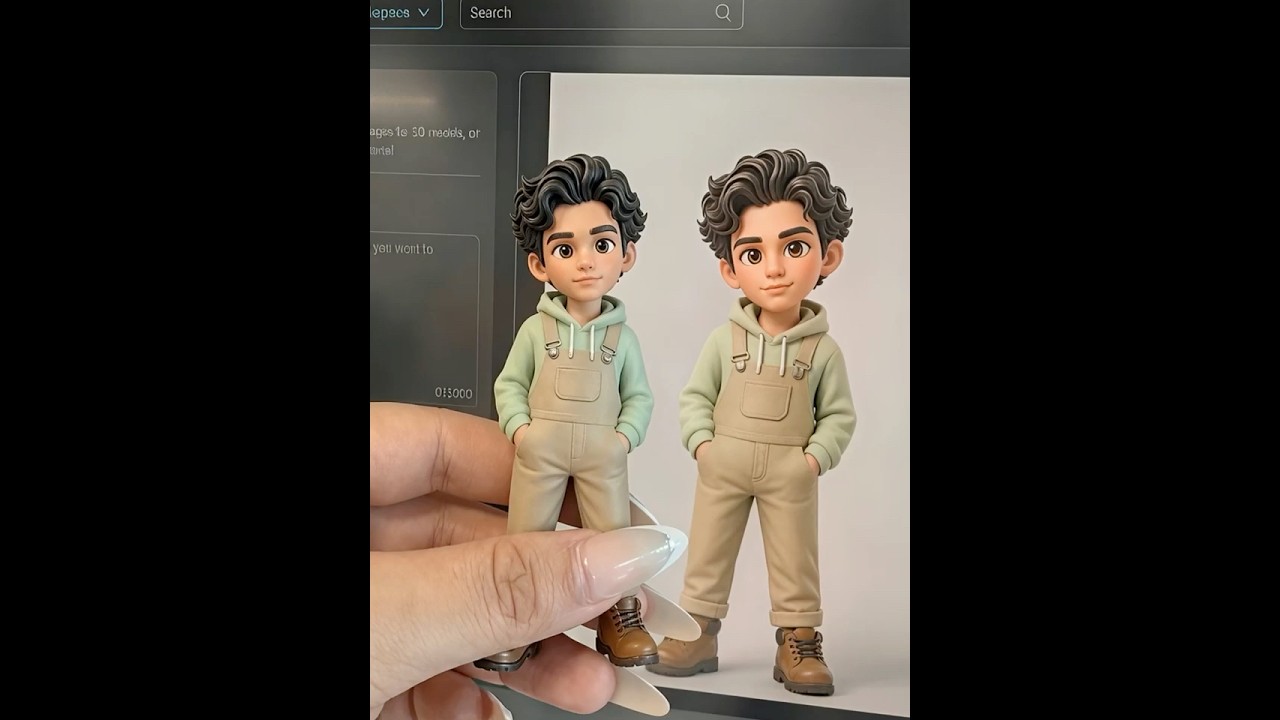
How do you turn a 2D image into a textured 3D asset? This V2Fun Image-to-3D tutorial covers reference images, texture and PBR map generation, model previews, and options for refining your result.
Follow the workflow:
Enter the V2Fun workspace and select Image-to-3D.
Upload your own reference image, or create one using built-in image models such as GPT Image2 or Nano Banana.
Enable Generate Texture and PBR Maps to generate color and material maps for your asset.
Click Generate. The workflow shown in this tutorial generates an asset in under 60 seconds.
Compare Solid, Basic Lighting, and PBR previews. Turn on Wireframe to inspect the model’s topology.
Use Re-texture, Re-topology, or Free Retry if you want to adjust the result.
Continue to rigging or open Download Settings for export.
If you’re learning AI 3D modeling, this guide shows how image-to-3D generation connects reference creation, PBR materials, topology inspection, and model refinement in one workflow.
What would you turn into a 3D asset first?
Unlock unlimited 3D creative inspirations