Image to3D Model AI
What Is V2Fun's AI 3D model generator?
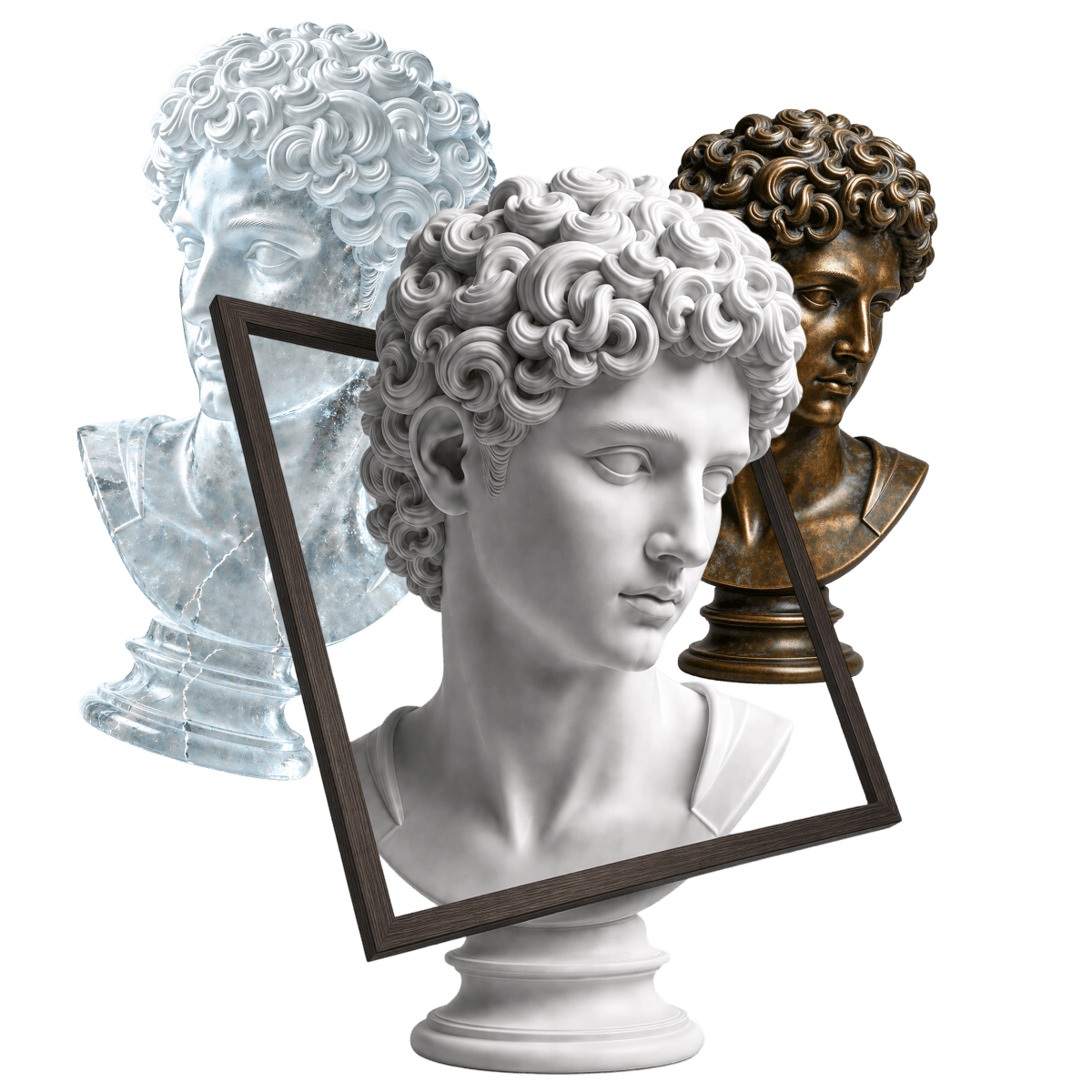
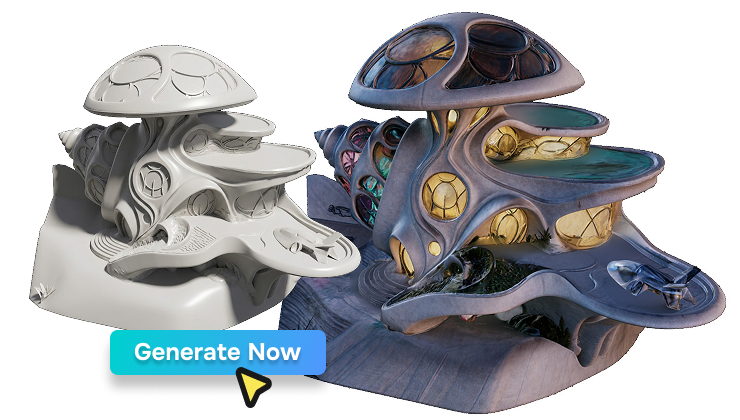
Upload any reference image and V2Fun's AI 3D model generator produces clean-topology, naturally lit production-grade 3D assets in minutes. With sound structure and rich detail, it dramatically reduces revision cycles — efficiently completing the full journey from creative concept to deployable asset. Whether for online 3D modeling, AI 3D print model generation, or game asset production, V2Fun delivers on both speed and quality.
Pro-level AI 3D Generator
Why Choose V2Fun's Image to 3D Model AI?
V2Fun AI 3D Creation Platform — Core Advantages
60-Second 3D Generation
From Image to AI Generated 3D Model at Record Speed
Balancing generation speed and visual quality, V2Fun delivers clean-topology, naturally lit AI generated 3D models in under 60 seconds — a genuine productivity leap. Whether for rapid prototyping, batch content creation, or online 3D modeling, V2Fun delivers deployable assets in record time, eliminating the long wait of manual modeling entirely.
High Fidelity
Precise Reference Reproduction, No More Random AI Output
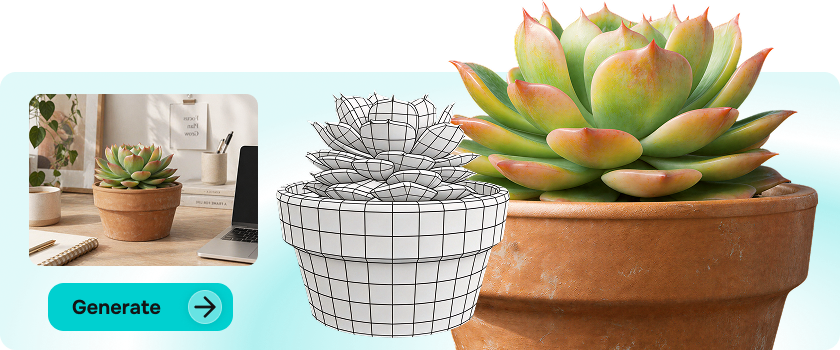
V2Fun's image to 3D model AI faithfully reproduces character traits, artistic style, and structural detail from any reference image — ensuring every generated result matches the original concept with precision. No more random outputs. Whether generating AI 3D character models, AI 3D print models, or game assets, every creative vision lands exactly as intended.
Automatic Texture Generation
AI Material Completion That Matches Your Reference
V2Fun's AI intelligently completes material detail, producing 3D assets with clean topology, natural lighting, and surface textures that closely match the original reference. Skip manual UV unwrapping and texture painting — receive a fully textured model ready for online 3D modeling pipelines, AI 3D print model generation, or direct game engine import, completing the full image to 3D model workflow automatically.
Full-Pipeline Closed Loop
From Image to 3D Model, Straight into Texturing, Rigging & Animation
Once satisfied with the generated result, proceed directly within V2Fun's AI 3D creation platform into AI texture generation, AI automatic rigging, and animation workflows — no downloading or tool-switching required. From uploading a single image to receiving a fully textured, animatable 3D character, the entire process is completed online, delivering a truly seamless end-to-end online 3D modeling experience.
3 Steps to AI 3D Creation
How to Generate High-Quality 3D Assets with V2Fun's Image to 3D Model AI
V2Fun AI 3D Model Generator — Exclusive Usage Guide
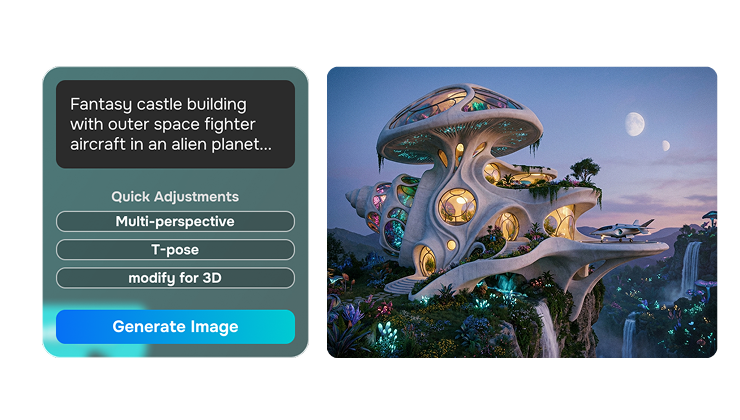
Image Preparation
High-Quality Input Is the Foundation of Great AI Generated 3D Models
High-quality input is the non-negotiable foundation for high-quality AI generated 3D models. V2Fun integrates multiple frontier models including Nano Banana and GPT Image-2, offering realistic, stylized, and character design input modes at the generation stage. Whether producing AI 3D print models, working through an online 3D modeling pipeline, or creating game assets, users can flexibly select the input strategy that maximizes image to 3D model fidelity for their specific use case.
One-Click Generation
Launch AI 3D Model Generation, Then Download or Deep-Edit
After selecting your generation mode, click generate to launch the modeling process within V2Fun's AI 3D creation platform. The system completes AI 3D model generation in seconds to minutes depending on content complexity and cloud computing load. Once complete, preview the model in the built-in 3D viewer from every angle, then either export with one click or proceed directly into AI texture generation and AI automatic rigging — unlocking the full pipeline capability of V2Fun's AI 3D creation platform.
AI Modelling Like a Pro
Unlock Pro-Level Techniques in V2Fun's Image to AI 3D Model Generator Maximize AI 3D Creation Platform Productivity
Reference Image Quality Optimization
Prepare the Best Input for Your AI 3D Model Generator — Improve Fidelity at the Source
Image to 3D model restoration accuracy is highly dependent on input image quality. Use reference images with clean backgrounds, even lighting, complete subjects, and no limb occlusion. For character assets, front-facing natural poses with clearly separated limbs and torso are recommended; for props or product assets, ensure all key structural surfaces are fully visible with no strong reflections obscuring detail. Higher input image quality enables the AI 3D model generator to parse geometric structure and material characteristics with greater precision — producing AI generated 3D models with more rigorous structure and richer detail, and delivering smoother downstream AI 3D print model generation and online 3D modeling workflows.
Upgrade from Image-to-3D to Multi-View Modeling
Single-Image for Direction, Multi-View for Precision — Two Steps to Industrial-Grade AI 3D Assets
For professional scenarios demanding industrial-grade geometric precision, combine image-to-3D model generation with multi-view modeling. Step one: use a single reference image to rapidly generate an initial AI 3D model and validate overall form direction and style. Step two: use V2Fun's "Generate Multi-View" feature to automatically calculate front, side, and back four-view images, then reconstruct the high-precision final version through "Multi-View to 3D Model." This two-step workflow combines the speed advantage of image-to-3D generation with the precision advantage of multi-view reconstruction — completely eliminating back-view blind spots, and particularly suited for game character assets, AI 3D print model generation, and industrial design prototyping.
Parallel Multi-Version Generation
Batch Generate and Compare Structures — Eliminate Single-Attempt Guesswork, Select the Best Output Efficiently
For the same reference image, submit multiple generation tasks and quickly compare structural completeness, proportion accuracy, and detail fidelity across multiple preview results — selecting the strongest version to advance through the pipeline. This strategy is especially effective for scenarios requiring high model precision, such as game character asset production and AI 3D print model generation. Pushing the best result directly into AI texture generation or AI automatic rigging maximizes quality and efficiency across the entire creation pipeline, making it one of the most direct and effective ways to control output quality in online 3D modeling.
Push Results Directly Downstream
Seamlessly Flow Within V2Fun's AI 3D Creation Platform
Once image-to-3D model generation is complete, push the result directly into downstream workflows within V2Fun's AI 3D creation platform — no exporting and re-importing required. One click sends the model to "AI Texture Generation" for complete PBR material detail, "AI Automatic Rigging" to establish an animatable skeleton, or "AI Animation" to bring the character to life with fluid motion. The entire pipeline loops within a single platform, eliminating time lost to repeated import/export cycles and delivering a truly seamless online 3D modeling experience from a single image to a fully deliverable 3D character.