 01:15
Rigging & MotionMotion CaptureAI Animation
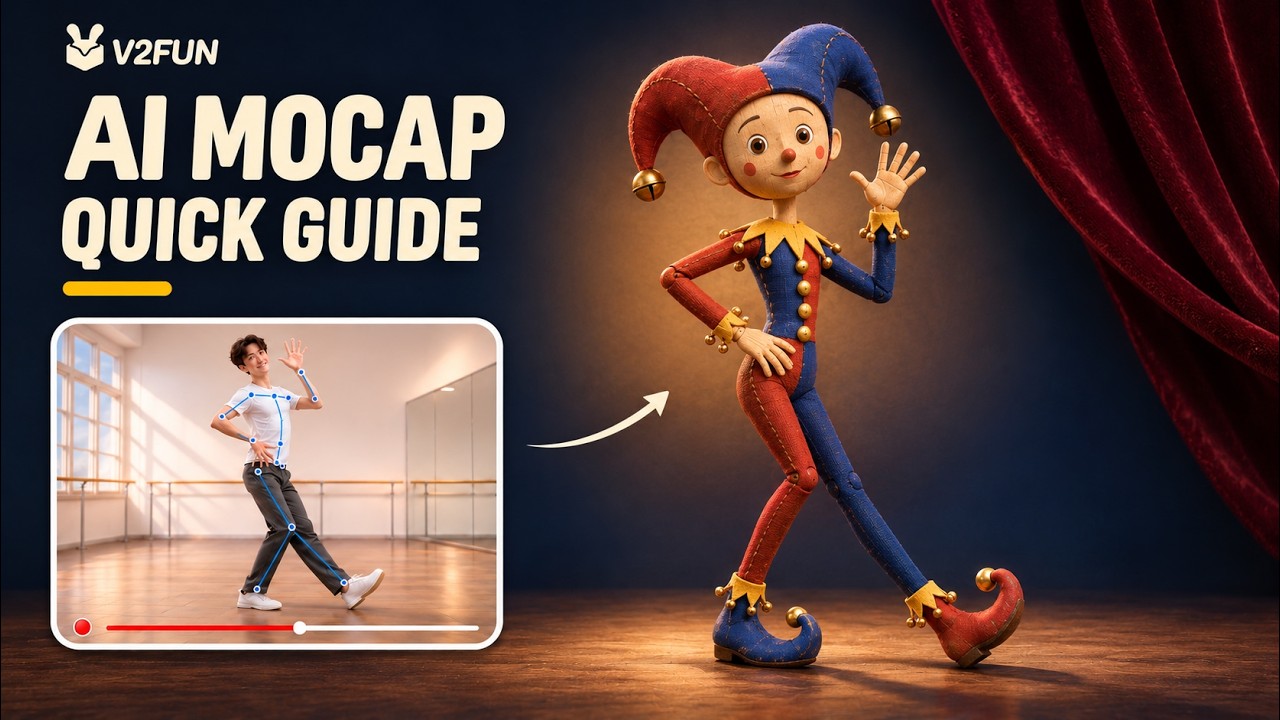
AI Mocap Quick Guide

Rig a 3D Character with V2Fun AI Rigging
Learn how to prepare a character for animation with V2Fun AI Rigging. This tutorial covers T-pose preparation, joint marker placement, animation testing, and export.
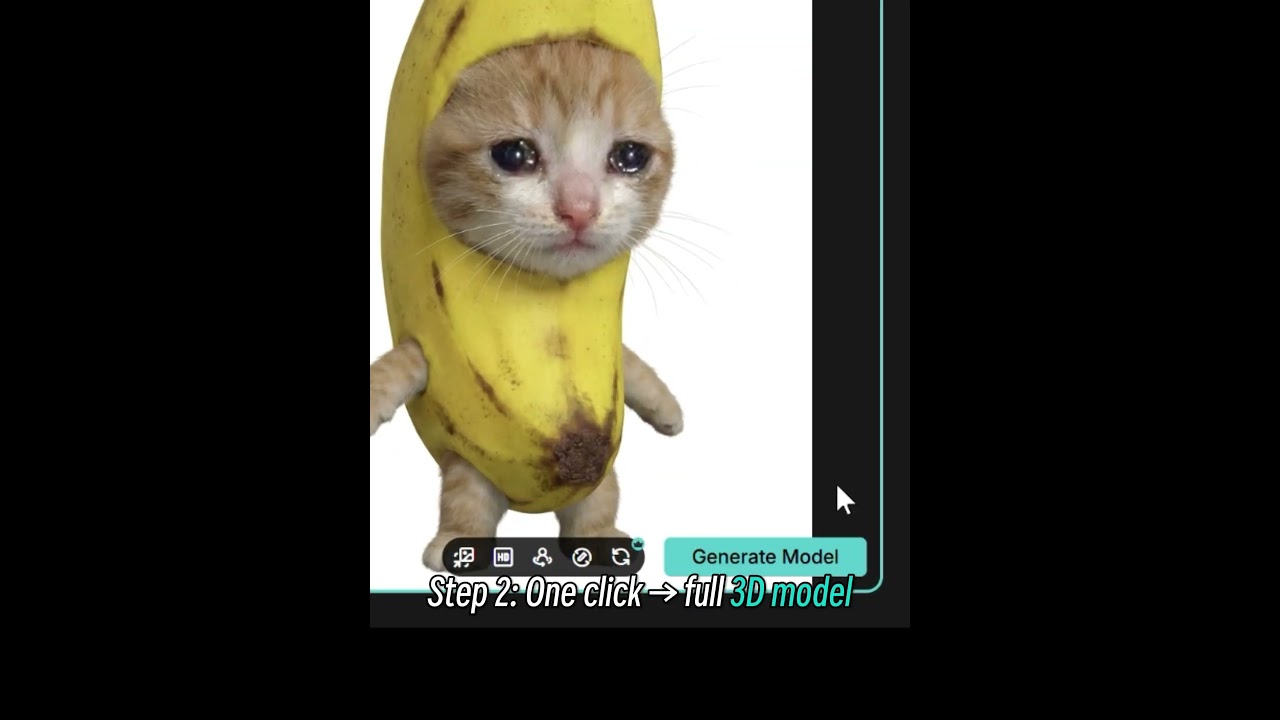
Start with a character generated in V2Fun or upload your own 3D model.
Prepare a front-facing T-pose. If you need a new reference image, upload your image, open One-Click Stylize, and enable Standard Pose.
Open the Rigging workspace and place the joint markers. Use Symmetry to match the left and right joints, then switch to Side View to check their positions from another angle. Review the placement and click Complete.
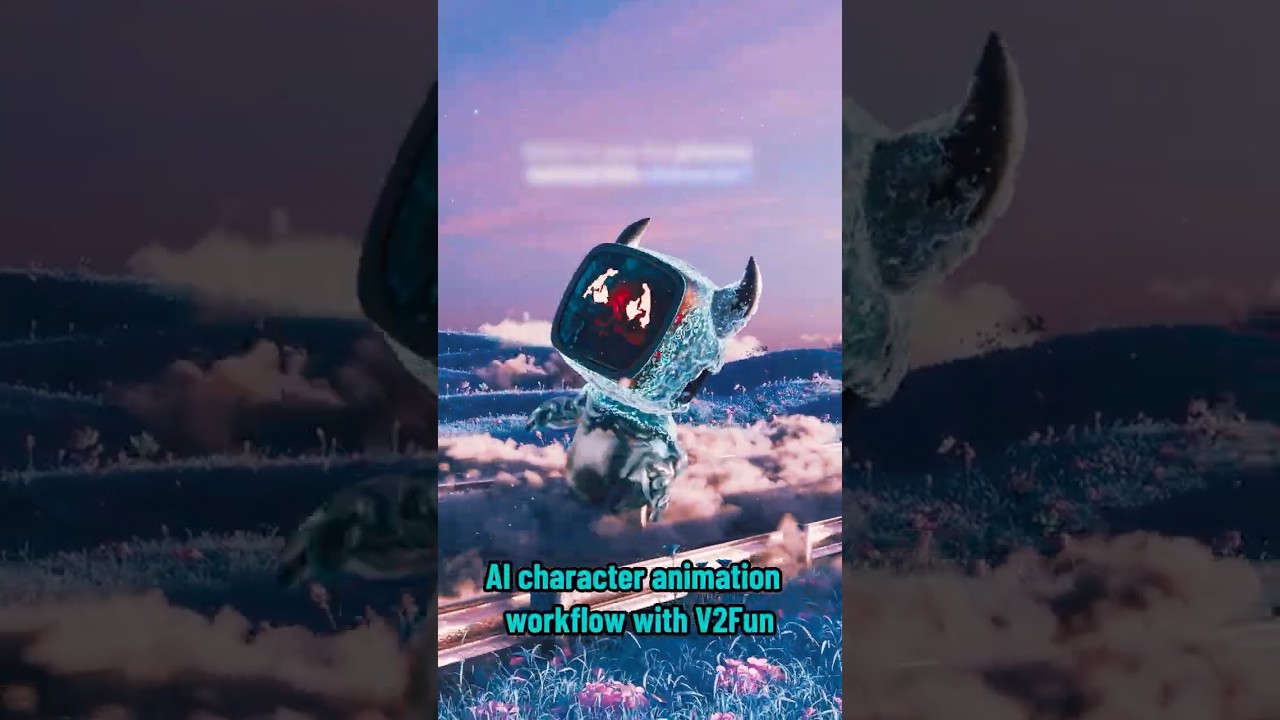
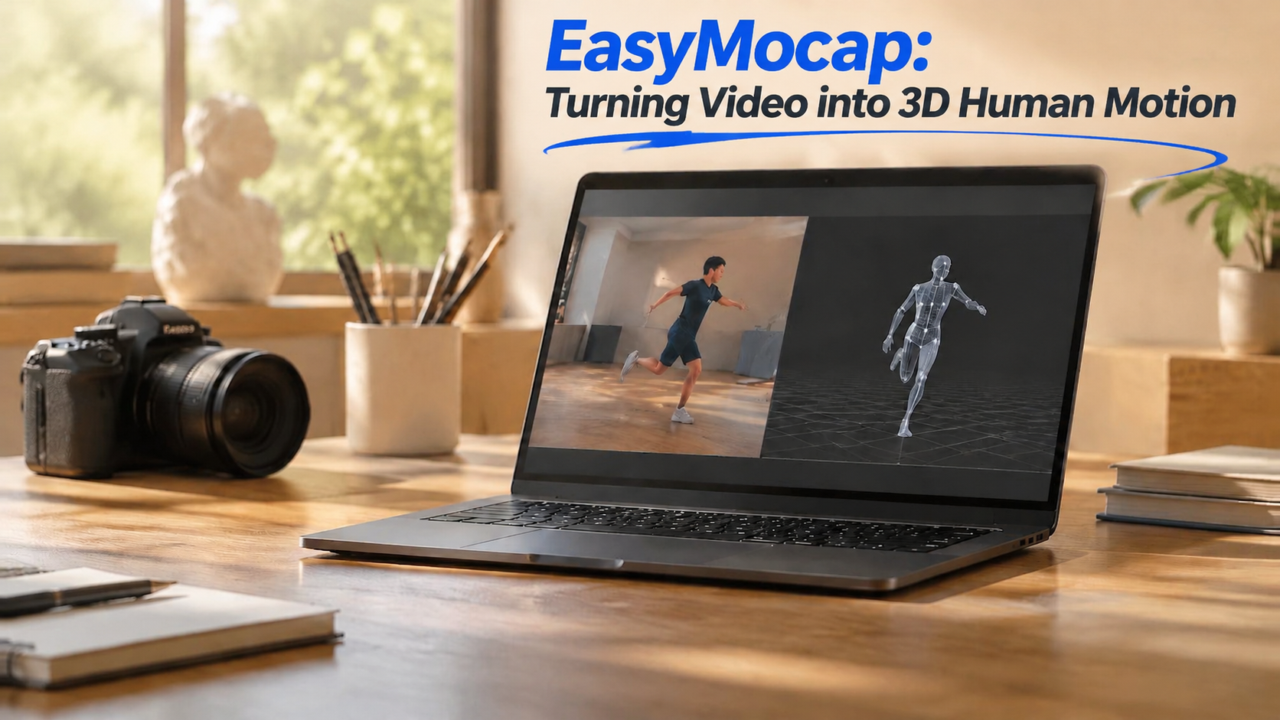
Test your rigged character with a motion from the built-in animation library, or use AI Motion Capture to apply motion from a video. Once you have checked the result, export your rigged character.
Buka kunci inspirasi kreatif 3D tanpa had