 01:47
Rigging & MotionMotion Capture
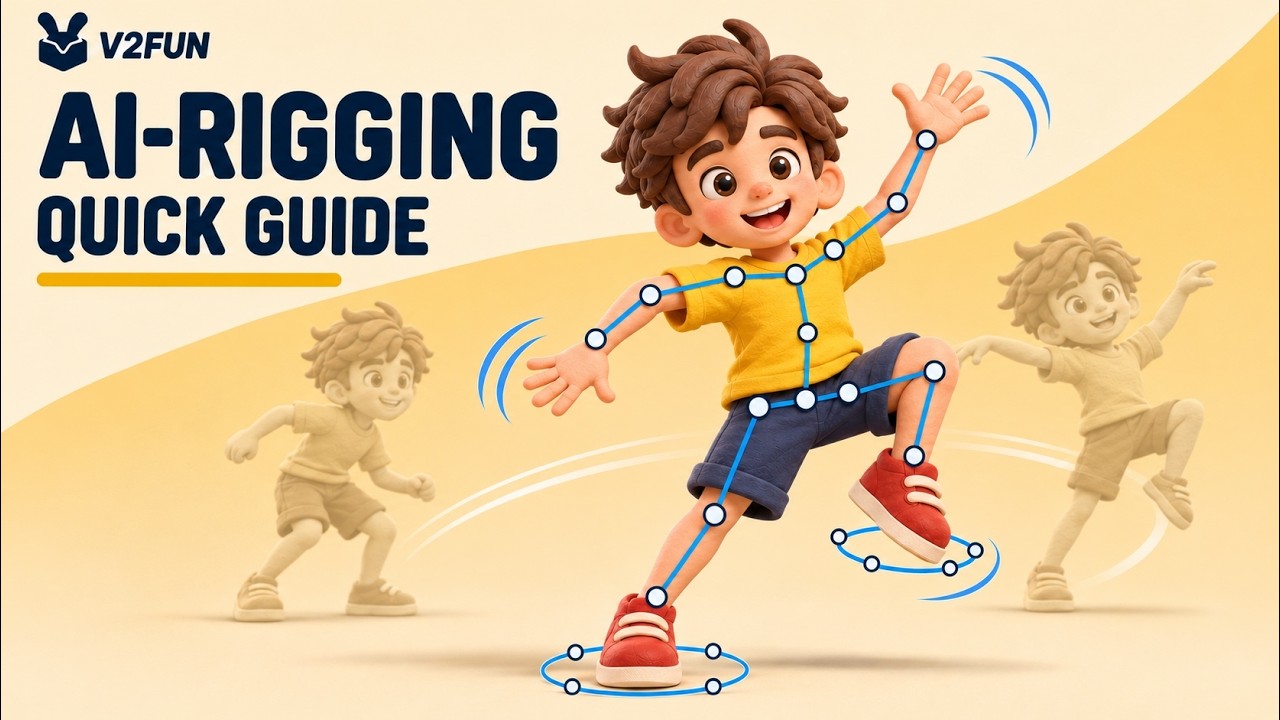
AI Rigging Quick Guide

Video to 3D Animation with V2Fun AI Motion Capture
Learn how to capture motion from a video and apply it to a rigged 3D character. This tutorial covers video upload, motion preview, animation reuse, and joint adjustments.
Open the Motion Workspace, click Upload, and select an MP4 video.
Once processing is complete, find the animation in Uploads and preview the captured motion.
Select your rigged character and click Use to apply the animation. You can apply the same motion to other rigged characters and save it as part of your motion library.
If joints bend or twist incorrectly, return to Auto-Rigging, adjust the joint markers, and preview the animation again.
For best results, use a stable, well-lit video between 5 and 45 seconds long, with the subject's full body clearly visible.
Buka kunci inspirasi kreatif 3D tanpa had