 00:50
TexturingAI 3D Model GenerationModel Export
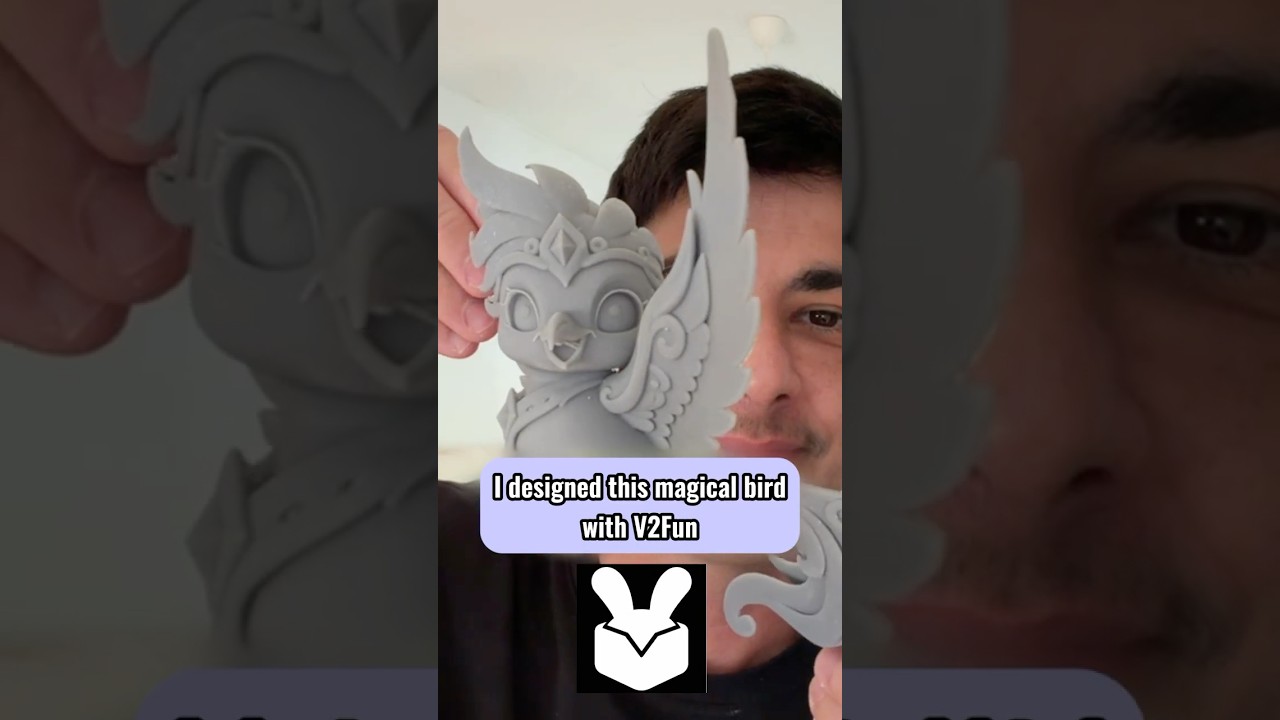
A Fantasy Creature, Brought to Life in 3D

Discover a fast image-to-3D workflow for Blender using V2Fun.
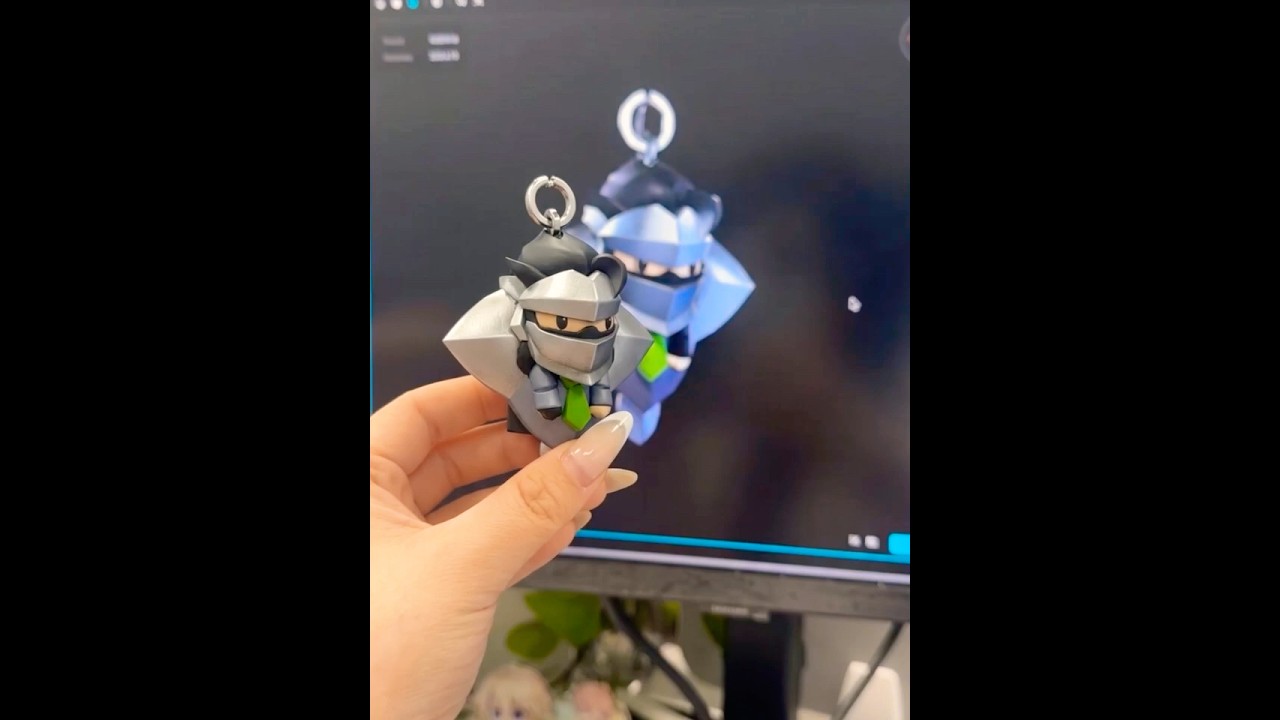
In this showcase, see how reference images can be turned into multiple 3D assets, refined when needed, and assembled into a complete Blender scene in just a few steps. Starting from image upload, the workflow moves through 3D model generation, optional retouching or retopology, and scene building before ending with a final animation render.
Workflow overview:
This workflow shows how image-to-3D generation can speed up early asset creation and help move ideas into Blender quickly.
00:50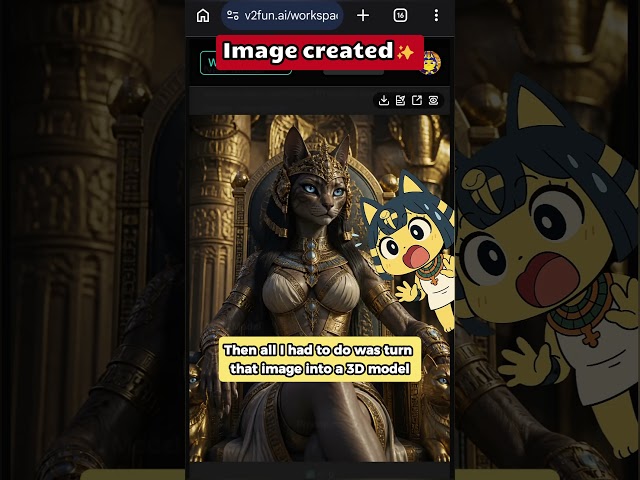 00:39
 00:32
Unlock unlimited 3D creative inspirations