 00:33
Multi-view-to-3DModel ExportAI Animation
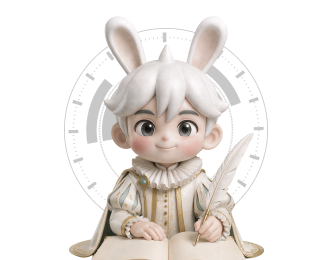
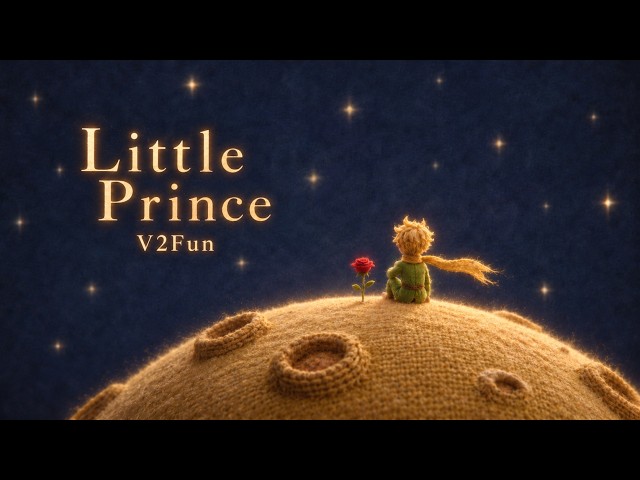
V2Fun x Blender Showcase | The Little Prince: My Rose

Learn how to turn a figure-skating reference video into a cinematic 3D animation using V2Fun, Blender, and Seedance.
In this tutorial, explore an AI-assisted animation workflow that combines 3D character creation, motion capture, scene design, camera animation, and AI video generation. Start by creating a character and environment with V2Fun, then use Blender to control the skating path, choreograph the character’s movements, and animate cinematic camera shots.
Next, export a clay animation from Blender as a motion and composition guide. Use Seedance with character, motion, and environment references to generate the final visuals, refining individual clips as needed.
What you'll learn:
Create 3D characters and environments with V2Fun
Capture figure-skating motion from reference video
Animate character movement and skating paths in Blender
Set up camera tracking and dynamic camera movements
Export clay animations as motion and composition guides
Discover how AI-powered 3D modeling, motion capture, traditional animation controls, and AI video generation can work together in a single creative pipeline — from motion reference to final cinematic animation.
00:33 00:57
 02:50
Unlock unlimited 3D creative inspirations