 00:47
TexturingText-to-3DModel Export
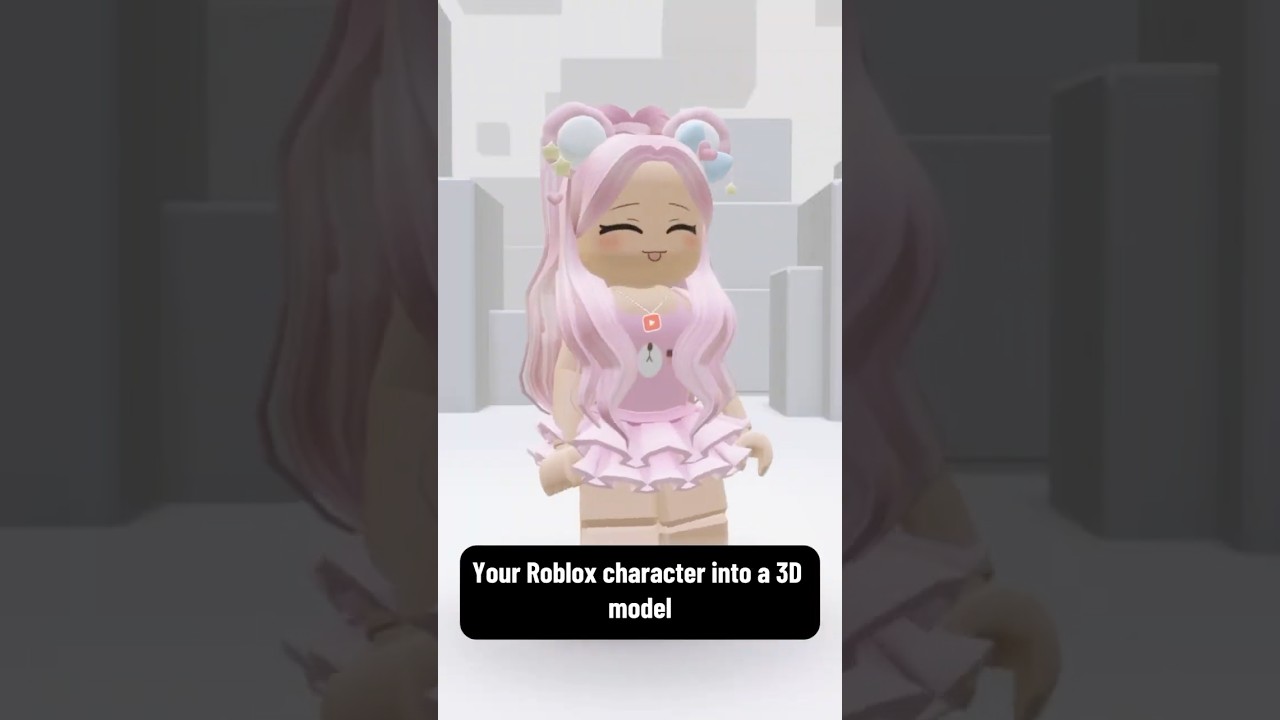
Bringing Roblox Characters into 3D with V2Fun

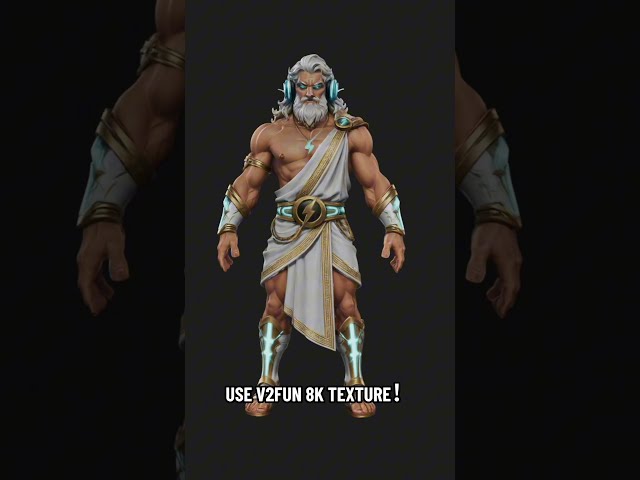
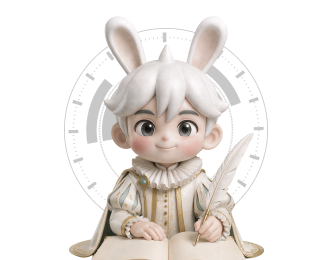
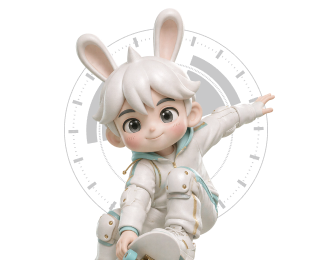
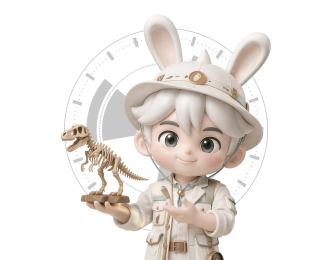
Discover how to turn a single image into a detailed 3D model with high-resolution 8K textures using V2Fun.
In this showcase, see how an image can be transformed into a ready-to-use 3D asset through a streamlined workflow that includes optional multi-view references, text guidance, and texture comparison. By enabling 8K High Definition, the process brings out finer surface detail and allows for a clearer comparison between standard and enhanced texture results.
Workflow overview:
This workflow highlights a simple way to explore image-to-3D creation with greater texture detail and more polished visual results.
Buka kunci inspirasi kreatif 3D tanpa had