 00:40
TexturingImage GenerationModel Export
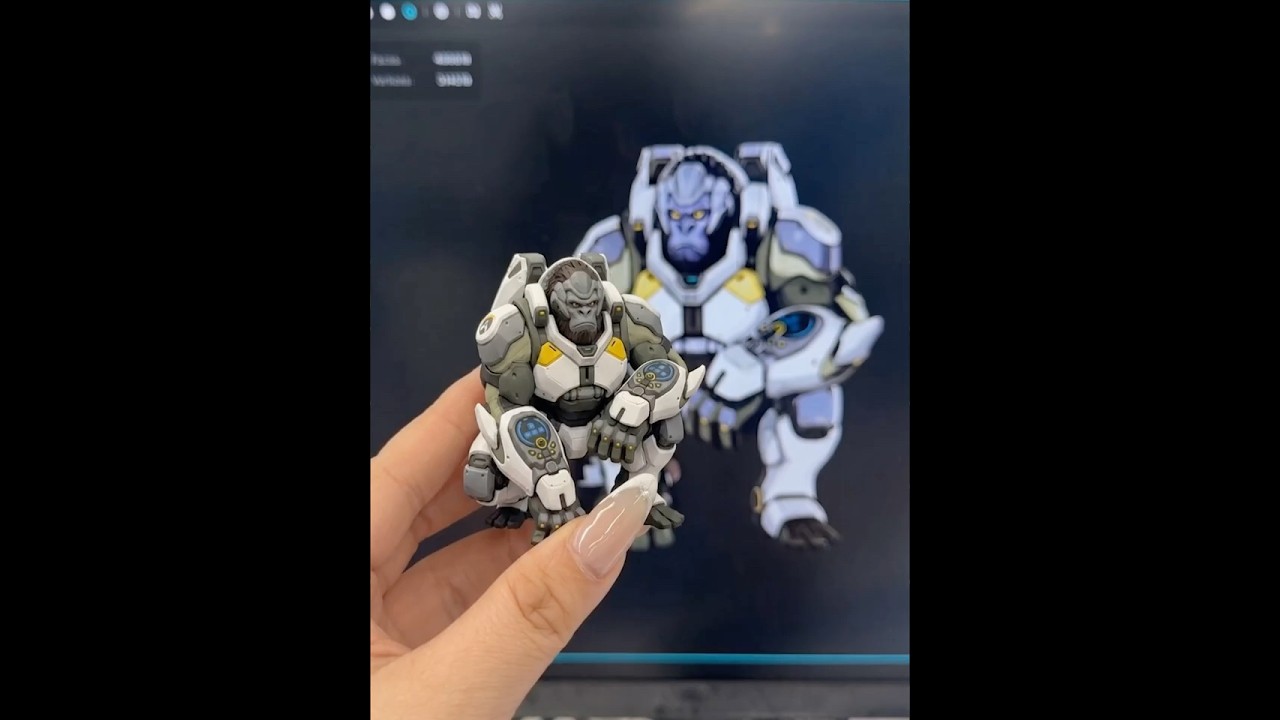
Making My Own Winston Figure from Overwatch

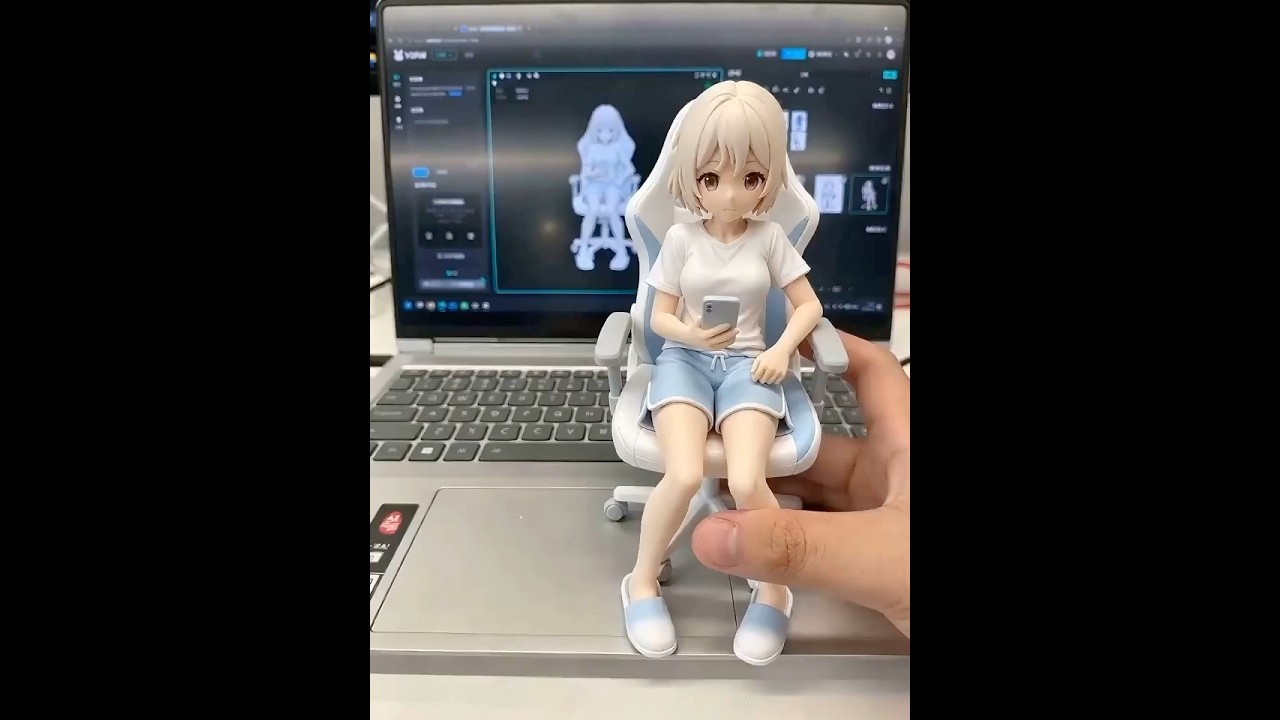
How do you turn an image into a 3D printed figure? This V2Fun image-to-3D tutorial follows the workflow from multi-view references to a 3D model, optional Blender edits, and STL export for printing.
Here’s the process:
Open V2Fun’s Image-to-3D tool and upload your reference image.
Generate multi-view references to provide more information about the model’s details from different angles.
Use those views to generate your 3D model. In this demo, generation took under a minute. Rotate the preview to inspect the shape and textures.
If you want to refine details, import the model into Blender and make your adjustments.
Export an STL file, then prepare it for slicing and 3D printing.
Whether you’re exploring character design or making a figure of yourself, this workflow shows how AI 3D modeling can help you move from an image to a physical creation.
Save this tutorial for your next project. What image would you turn into a figure?
Original video by @afa
00:40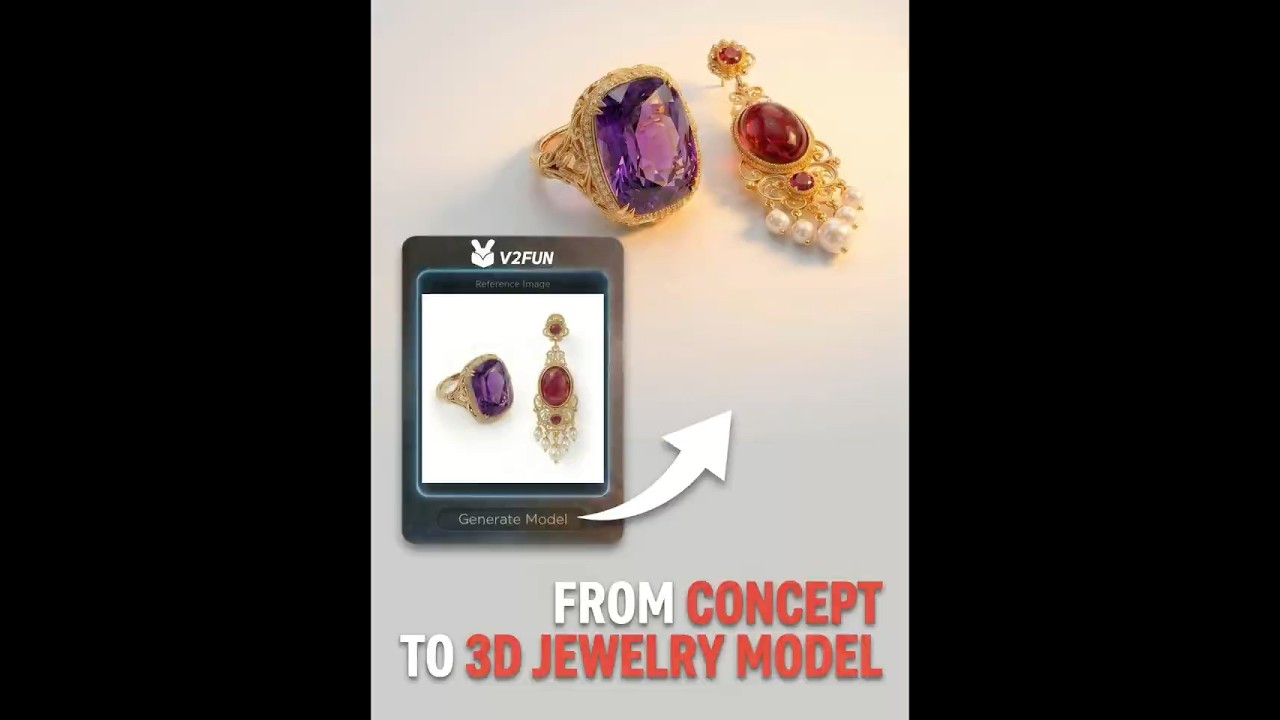 00:31
 00:40
Buka kunci inspirasi kreatif 3D tanpa had