 01:51
Model ExportAI 3D Model Generation
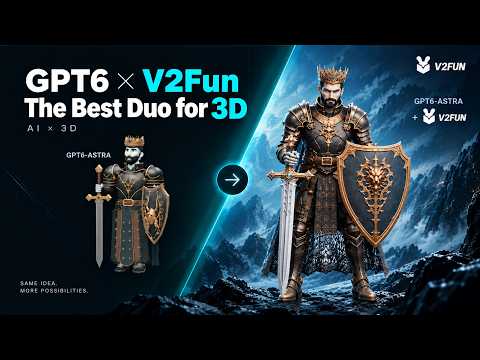
GPT-6 Astra Can Already Code 3D Models — So Why Use a Native 3D Model Too?

Learn how to create stylized 3D models from a single reference image using V2Fun's One-Click Stylization feature.
In this tutorial, you'll discover how to upload a reference image, choose from multiple visual styles, and automatically generate a standardized modeling reference for 3D creation. With just one click, you can turn an image into a stylized 3D model that is ready for further rigging and animation workflows.
Available styles:
Realistic
Designer Toy
Brick Art
Quick Steps:
Upload a reference image.
Choose your preferred style.
Let One-Click Stylization optimize the image into a modeling-ready reference.
Generate your 3D model in one click.
Explore more creative directions, improve reference consistency, and generate stylized 3D assets faster with V2Fun.
01:51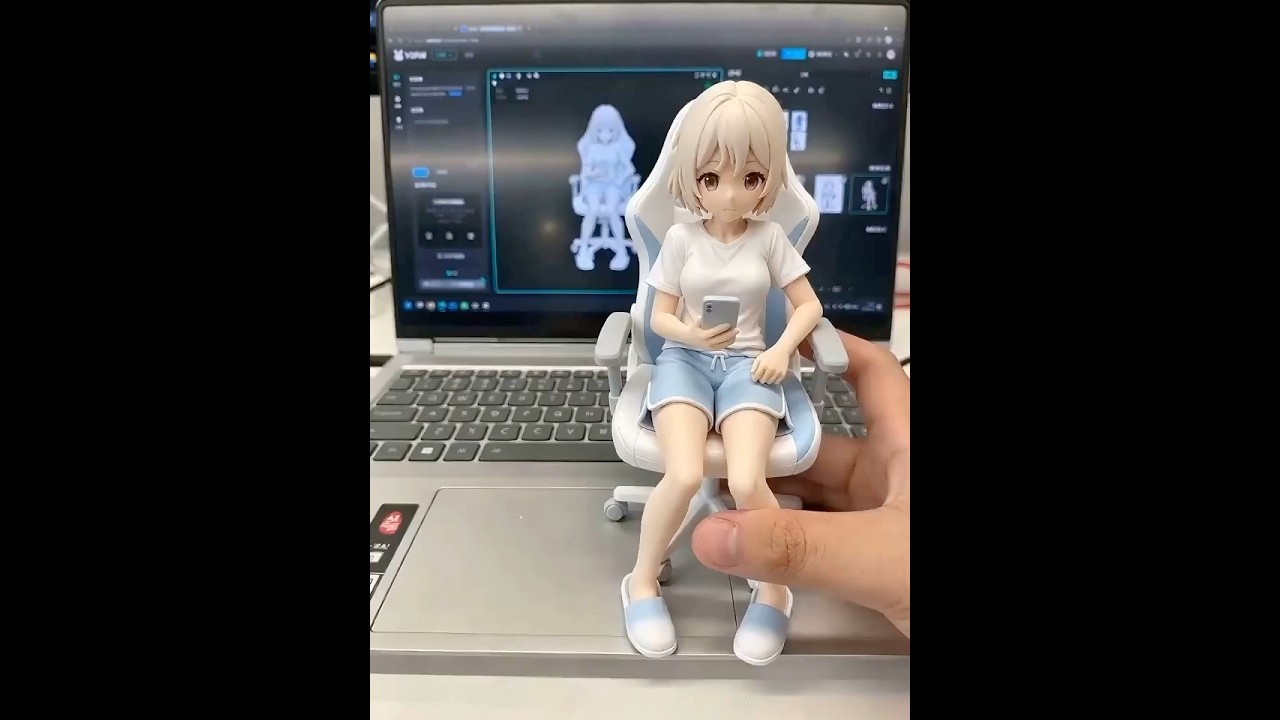 00:40
 00:31
Buka kunci inspirasi kreatif 3D tanpa had