AI Image Generatorfor 3D Creation
What Is V2Fun's AI Image Generator?
Deeply integrated with cutting-edge AI image models and powered by an exclusive 3D semantic prompt optimizer, V2Fun's AI image generator for 3D creation delivers structurally precise, perspective-accurate reference imagery purpose-built for modeling. Generate high-quality AI character concept art, AI 3D modeling reference images, and AI game asset concepts — every output feeds directly into your 3D modeling and rendering pipeline, eliminating all pre-production barriers.
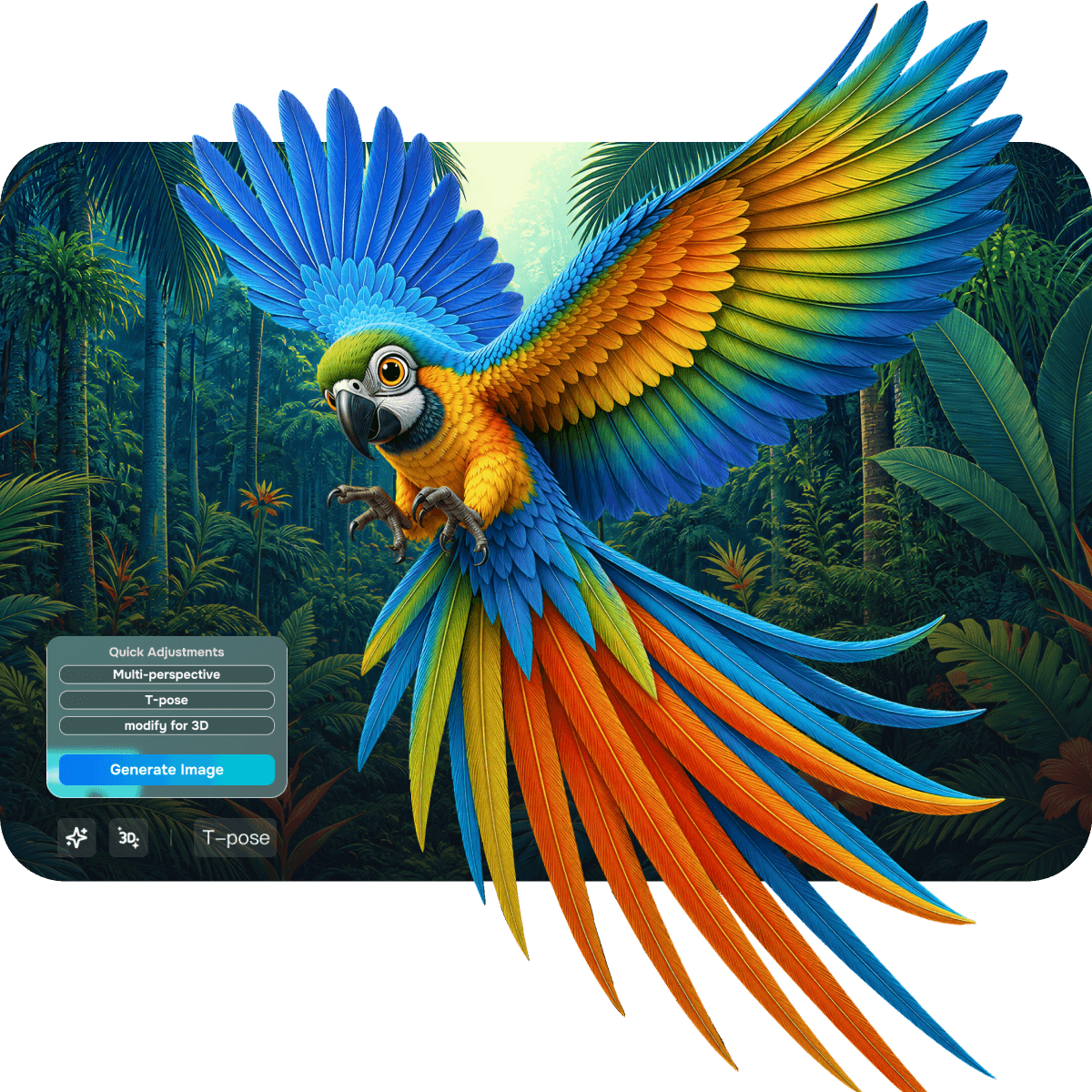
Pro-level AI Image Engine
Why Choose V2Fun as Your AI Image Generator for 3D Creation?
Professional-Grade AI 3D Creation Platform Image Engine
Modeling-Grade Reference Standard
Every Image a Ready-to-Use AI 3D Modeling Reference
Deeply integrated with leading frontier models, every generated image delivers not only exceptional artistic quality but also lighting consistency and clear structural detail — fully compliant with 3D reconstruction logic. Use every output directly as an AI 3D modeling reference image with zero rework.
3D Semantic Prompt Optimization
Text to Image Precision for Modeling
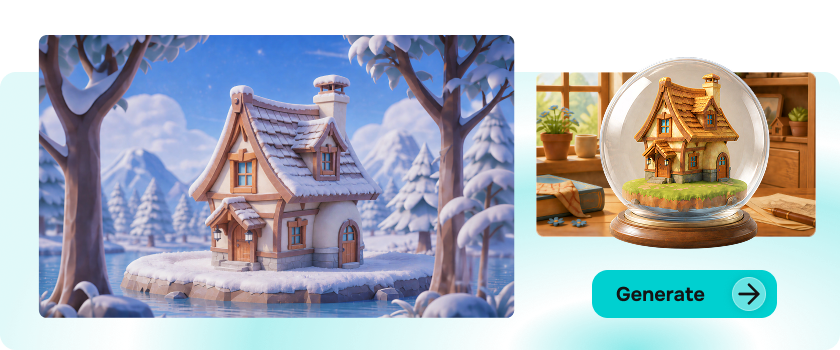
Powered by a built-in semantic optimizer purpose-designed for 3D conversion, V2Fun automatically enhances spatial depth, perspective relationships, and material descriptions in every prompt. Text to image generation is no longer guesswork — every input is AI-enhanced to maximize 3D model conversion success rate and detail fidelity.
Seamless Full-Pipeline Integration
Direct from Image to AI 3D Model Generator
No more fragmented workflows. Once your reference image is ready, push it directly to picture to 3D model generation, multi-view 3D, or AI texture generation with a single click — no downloading or re-uploading required. V2Fun's AI 3D creation platform delivers an end-to-end creative pipeline from image generation to deployable 3D asset.
Multimodal Precision Control
Character, Scene & Game Asset Concept Generation
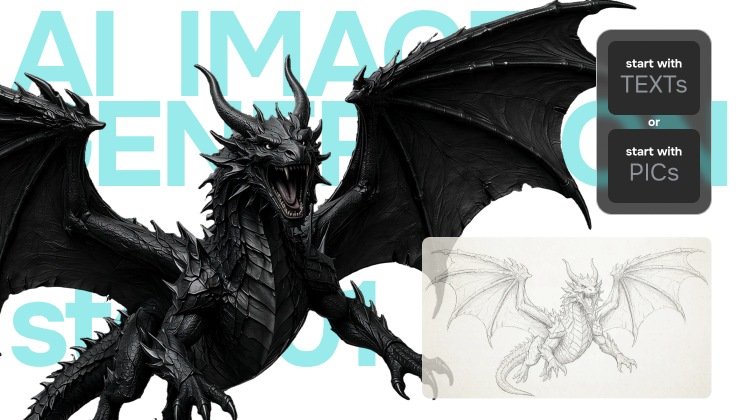
Supporting text-to-image, reference image generation, and combined prompt + reference modes, V2Fun delivers precise multimodal control across AI character concept generation, AI scene reference creation, and AI game asset concept generation. Visual constraints and text guidance work in deep fusion — eliminating random results and ensuring every output is a controlled, professional-grade reference.
3 Steps to AI Image Creation
How to Start Efficient 3D Creation with V2Fun's AI Image Generator
Activate Inspiration
Choose Your AI Image Generation Strategy
High-quality 3D models start with high-quality inputs. In V2Fun, enter a "subject + style + pose + angle" prompt for pure text to image creation, or upload an existing design as a reference. For the most reliable modeling results, we strongly recommend the "reference image + prompt" mode: the reference locks the structure while the prompt fills in the semantics — guiding the AI to generate more accurate AI 3D modeling reference images and character concept art.
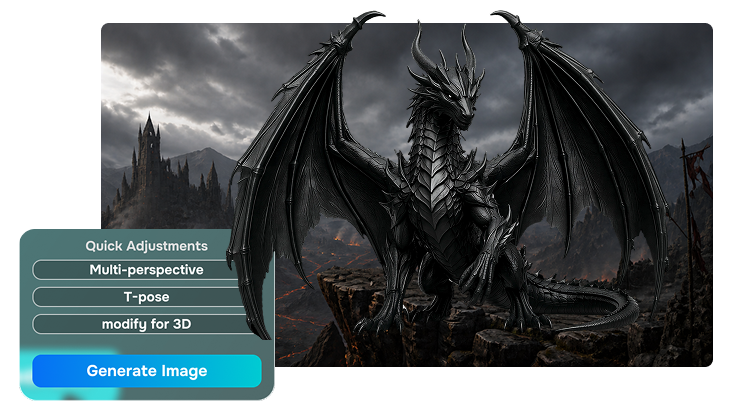
Smart Enhancement
One-Click 3D Semantic Prompt Optimization
Click the "Optimize Prompt" shortcut and V2Fun's built-in 3D semantic algorithm automatically enriches your description with spatial perspective, fine texture detail, and PBR material parameters. The optimized prompt significantly improves text to image to 3D model conversion success rate — ensuring every AI 3D reference image is structurally sound and detail-rich, ready to feed directly into the AI 3D model generator.
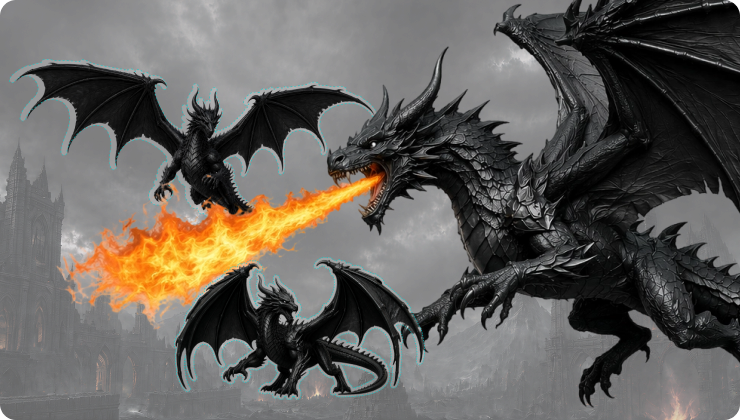
Advanced Setup
Select the Right Base Model & Aspect Ratio for 3D Creation
Choose the right base model for your needs — V2Fun supports GPT Image 2, the nanobanana series, and the qwen-image series, covering realistic, anime, and game asset styles. Set the appropriate aspect ratio (1:1 square or 3:4 portrait recommended) to ensure the subject is centered and unclipped, giving the AI 3D model generator maximum spatial depth data for accurate reconstruction.
AI Image Creation Like a Pro
Unlock Pro-Level Features of V2Fun's AI Image Generator Maximize AI 3D Creation Platform Productivity
Prompt Optimization & T-Pose Standardization
Preparing Optimal Input for the AI 3D Model Generator
The built-in "Optimize Prompt" shortcut auto-completes complex lighting and material descriptions for richer depth. For character creation, the dedicated "3D Reference" and "T-Pose" buttons enforce a standardized arms-out, front-facing pose — the universal modeling language that dramatically reduces the complexity of subsequent AI automatic rigging and weight adjustment, ensuring smooth character animation performance ready for game asset pipelines.
4K HD Upscaling
Industrial-Grade Pixel Precision for AI 3D Modeling Reference Images
Activate "HD" mode and V2Fun's super-resolution algorithm generates industrial-grade 4K reference artwork. The increased pixel density doesn't just look better — it gives the AI 3D model generator richer data to resolve fine structures. From character concept texture details to game asset concept ornaments, HD output ensures sharper edges and more accurate normal detail at the modeling stage.
Auto Multi-View Generation
Eliminate Single-Image Blind Spots for Complete AI 3D Reference
Use the "Generate Multi-View" feature and V2Fun's AI automatically calculates and produces front, back, and side orthographic views — perfectly aligned with consistent spatial proportions. Save them individually as design references, or click "One-Click Multi-View Modeling" to feed all four perspectives directly into the AI 3D model generator, eliminating single-image back-view blind spots and delivering physically perfect 3D character models and game assets.
Reference Image Loop
Infinite Creative Iteration Within the AI 3D Creation Platform
A streamlined creative loop purpose-built for creators. When you're satisfied with a generated image but want minor refinements, click "Reference Image Generation" to set it directly as the workspace reference baseline — no downloading or re-uploading required. Adjust weights or modify the prompt to evolve the design further, enabling infinite iteration and style refinement within V2Fun's AI 3D creation platform until every character concept or game asset concept reaches its optimal version.