
Playable Dance Stage
Turn captured dance motion into a playable rhythm stage
Direct work preview
Play the dance stage
Open the interactive example to inspect this work directly.
The work and the Skill behind it
What was made
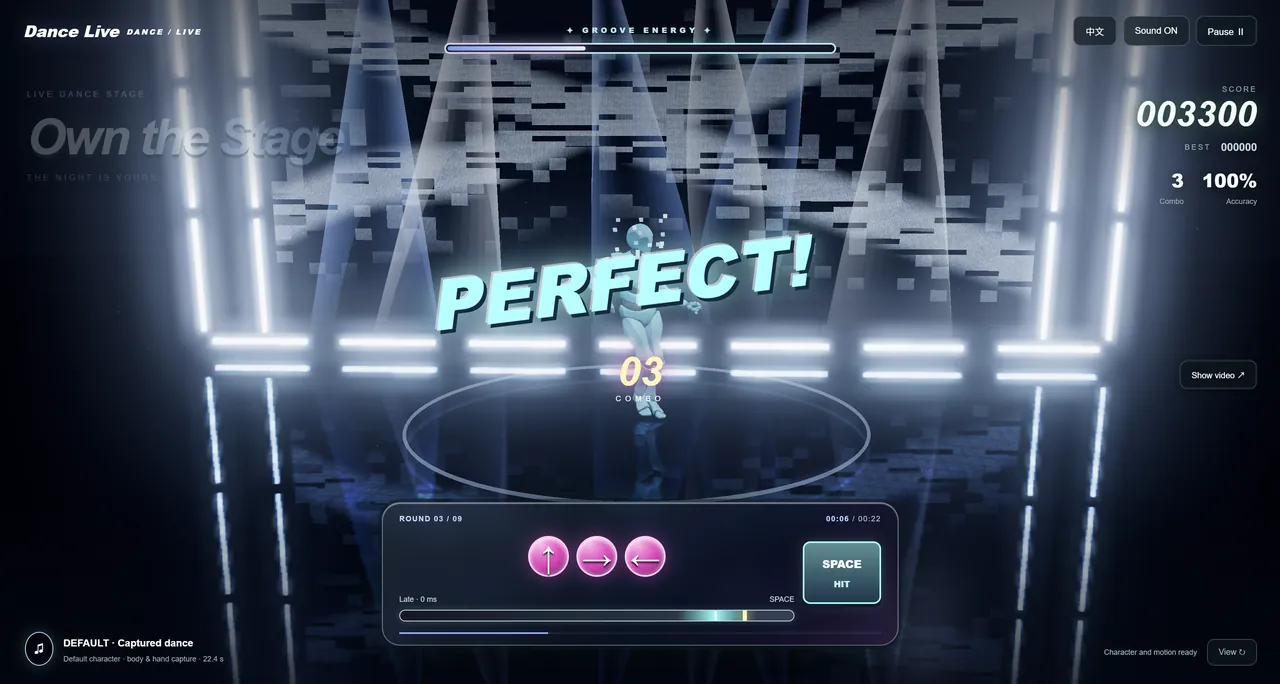
An existing 22.395-second dance capture, default character, and original soundtrack form the basis of an offline browser rhythm game. The stage combines direction sequences, a timing zone, and live score, combo, and accuracy feedback.
What the Skill contributed
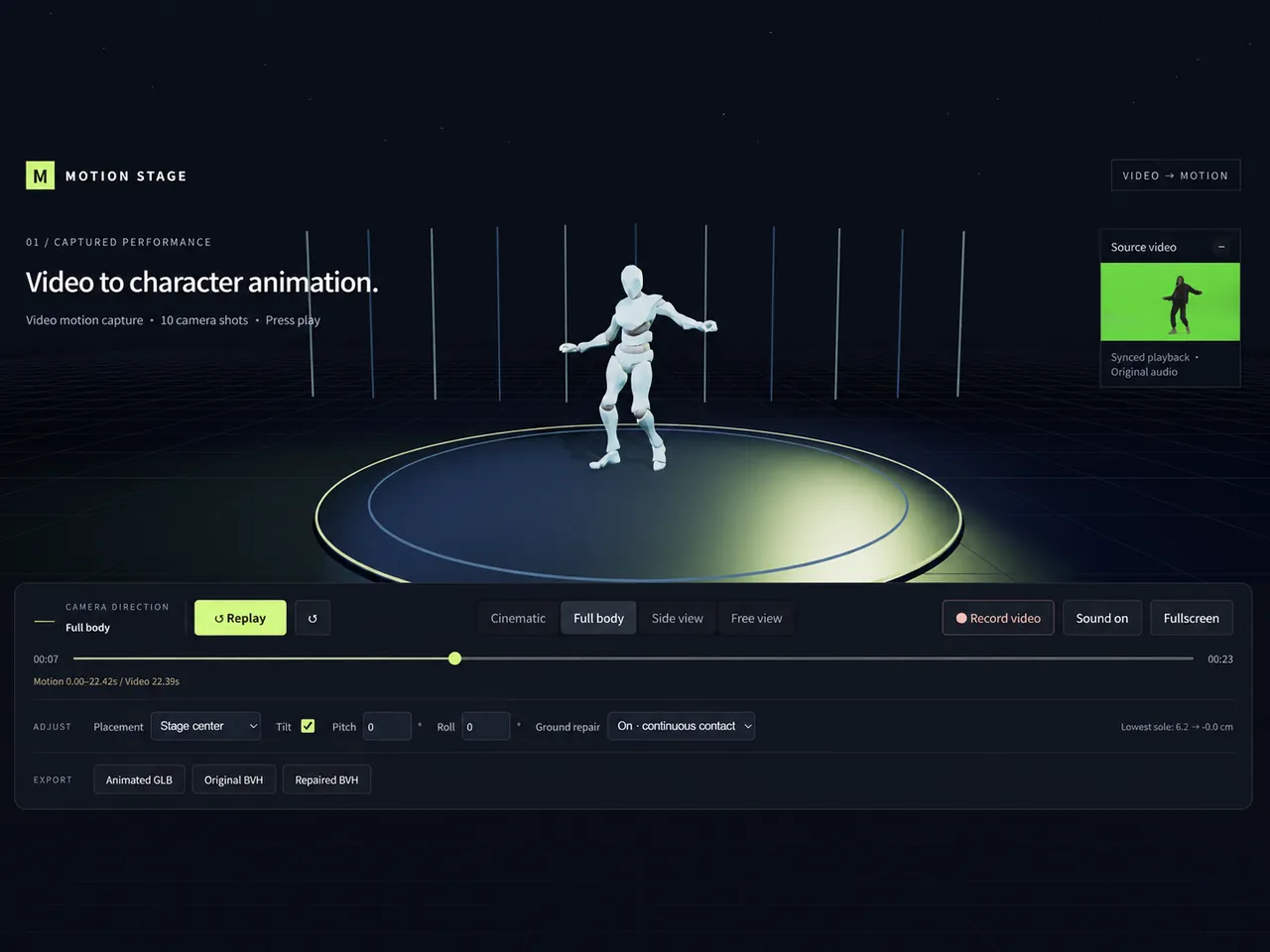
The workflow reuses captured motion, adapts skeleton and beat timing, builds the blue-white stage, and packages keyboard and touch play. The dance performance, character, and music are source assets rather than outputs of the Dance Game Skill.
Technical details
| Source | Existing 22.395-second capture, default character, and original music |
|---|---|
| Timing | Estimated 109 BPM with a 0.15-second offset |
| Modes | Easy, Challenge, and Demo |
| Controls | Direction sequences, Space confirmation, keyboard, and touch |
Take a closer look
From reference to experience
Follow the input, workflow, and final experience. These images show preview states; the production brief describes the underlying work.
01 / Input
Bring the performance into play
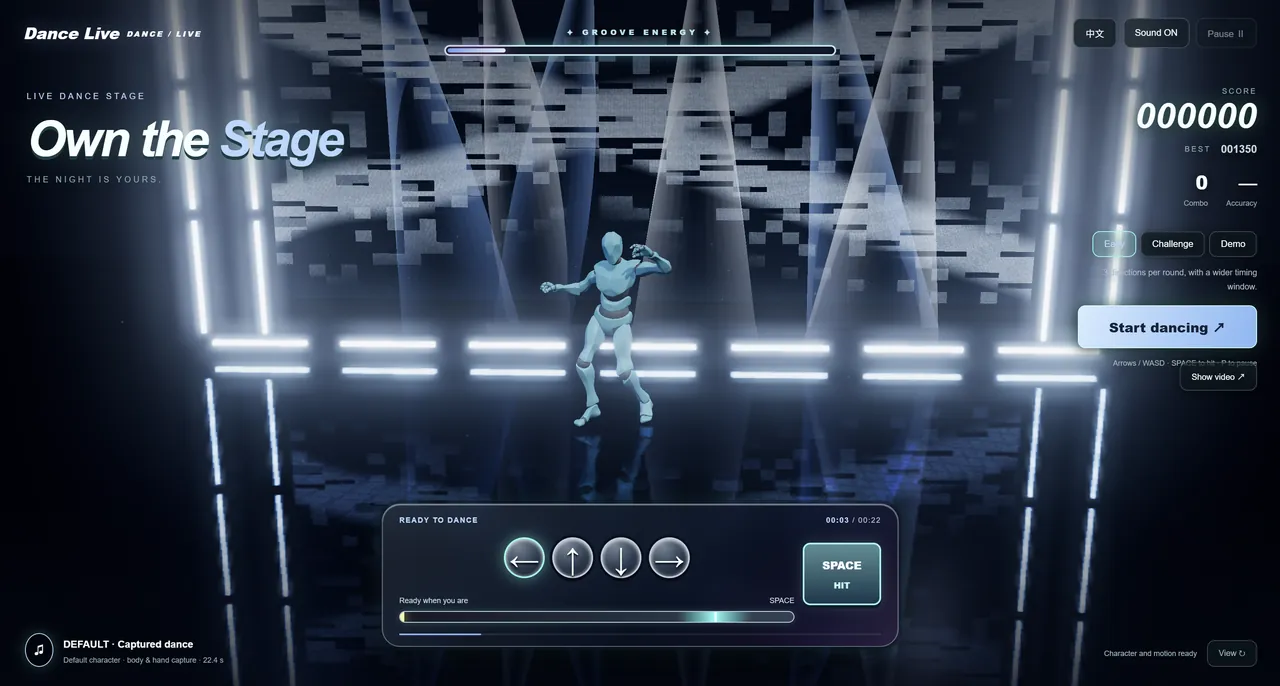
Existing dance motion, the default character, and the soundtrack provide the inputs. This screenshot shows the ready-to-play stage, not the original source files.
Read the production brief
Use the default character, existing dance motion, and source-video music to build a browser rhythm game. Add direction sequences, a bright timing zone, Space confirmation, score, combo, and accuracy. Include Easy, Challenge, and Demo modes with pause, restart, sound, camera, bilingual UI, and touch controls. Use blue-white lights, an abstract LED wall, and a reflective floor for the stage.
01 / Input
Build beat timing and interaction
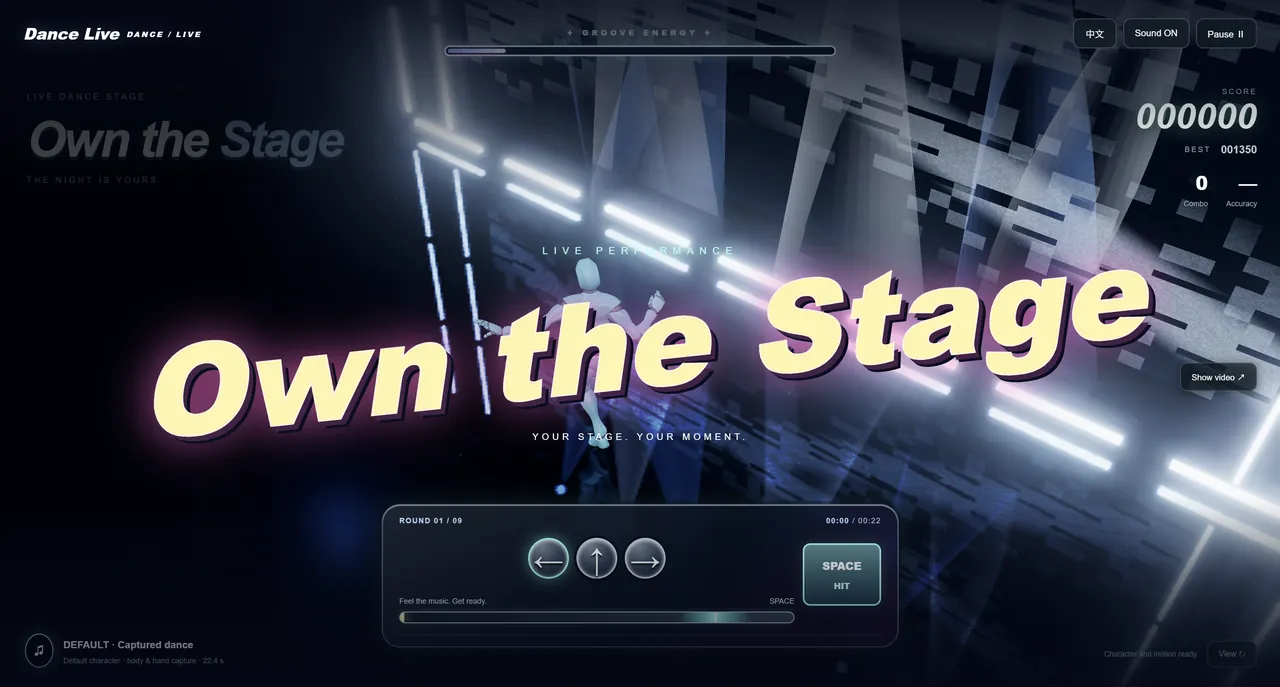
The workflow adapts the skeleton and beat timing, then adds direction sequences, a hit zone, and desktop and touch controls. The image shows a gameplay transition.
02 / Process
Play the rhythm stage
The browser game presents a blue-white stage with character motion, original music, score, combo, and accuracy feedback.
03 / Final
Frequently Asked Questions
What do I do in the game?
Follow the direction sequence and confirm the hit with Space or the supplied touch controls while the dance stage plays.
Which modes are available?
The game includes Easy, Challenge, and Demo modes.
How is the beat timing set?
The work brief estimates 109 BPM and uses a 0.15-second timing offset.
Can I pause or restart a round?
The game brief includes pause, restart, sound, and camera controls for repeat play.
Does the game need an app install?
It is an offline single-HTML browser game. This page loads the game inside the work preview.
Explore More
Explore Infinite Creativity Now
Turn your next idea into a work you can inspect and share.