
The White Dancer
From a dance video to character animation
Direct work preview
Play the character animation
Open the interactive example to inspect this work directly.
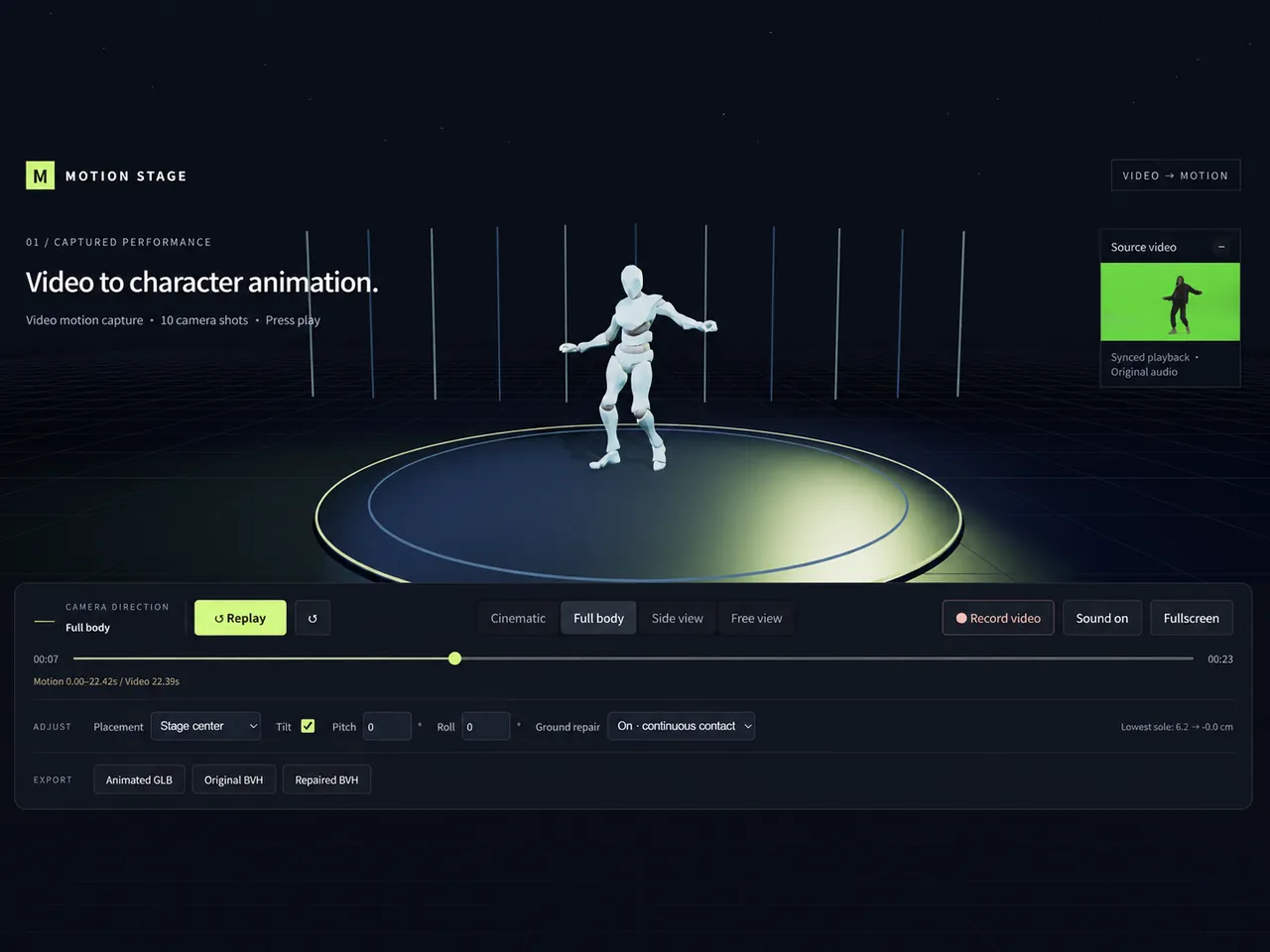
The work and the Skill behind it
What was made
A 22.395-second dance video and rigged character become a playable character animation. The preview combines body and hand motion with synchronized source audio, a stage, and ten cinematic camera shots.
What the Skill contributed
The workflow covers motion capture or BVH reuse, retargeting to the character, stage alignment, camera authoring, and export. The performance, audio, and rigged character are provided inputs rather than outputs of the Animation Skill.
Technical details
| Source performance | 22.395-second dance video and rigged character |
|---|---|
| Experience | Playback, synchronized audio, and cinematic / full-body / side / free camera views |
| Export options | Animated GLB, Original BVH, Repaired BVH, and local recording |
| Preview | Interactive offline animation viewer |
Take a closer look
From reference to experience
Follow the input, workflow, and final experience. These images show preview states; the production brief describes the underlying work.
01 / Input
Start with the performance
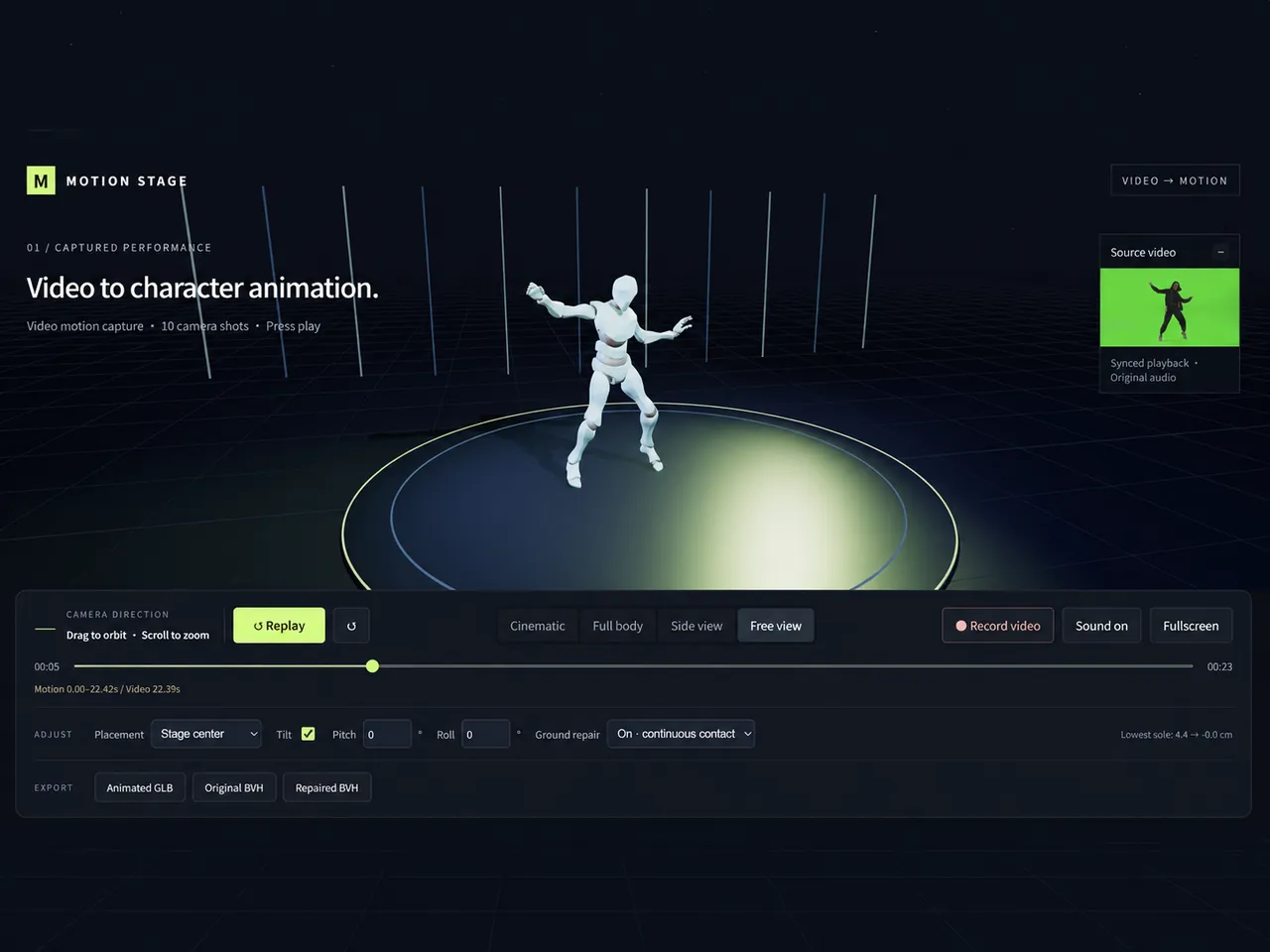
The dance video, source audio, and rigged character define the movement and visual target. The screenshot shows the source-video inset beside the character preview.
Read the production brief
Use the supplied dance video and rigged character to create a character animation. Capture body and hand motion, keep the source audio synchronized, start with a wide shot, slowly push in, orbit left at 8 seconds, and pull back at the end. Keep the feet visible. Provide cinematic, full-body, side, and free views, plus local recording, Animated GLB, Original BVH, and Repaired BVH exports.
01 / Input
Retarget and direct the motion
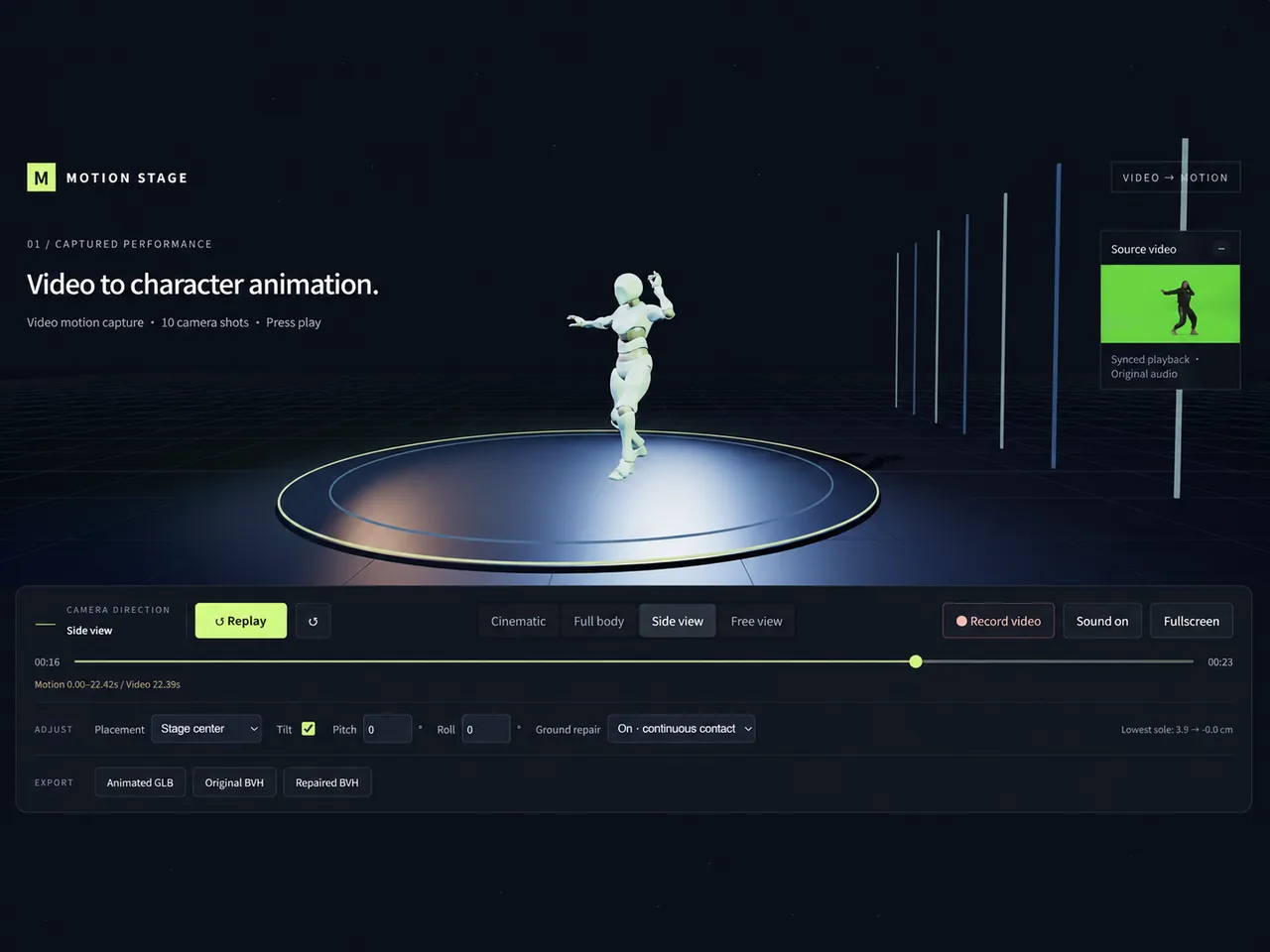
The workflow captures or reuses BVH, retargets motion, aligns the stage, and authors camera moves. This side-view screenshot shows the resulting preview, not the hidden retargeting steps.
02 / Process
Play and inspect the animation
The viewer presents the moving character with camera choices, synchronized audio, and local export controls.
03 / Final
Frequently Asked Questions
What is the input for this work?
The input is a 22.395-second dance video, its source audio, and a rigged character.
What does the cinematic camera brief specify?
It calls for a wide opening, a slow push-in, an orbit to the left at eight seconds, and a pullback at the end while keeping the feet visible.
Can I change the camera while previewing?
The viewer offers cinematic, full-body, side, and free camera views.
Which animation exports are available?
The work lists Animated GLB, Original BVH, Repaired BVH, and local recording with source audio.
Can I record the animation with its soundtrack?
The described local recording includes the source audio alongside the character animation.
Explore More
Explore Infinite Creativity Now
Turn your next idea into a work you can inspect and share.