Best Auto-Rig Platforms with Clean Weight Painting 2026
Compare AI 3D creation platform workflows for auto-rigging, clean weight painting, and animation-ready character export in 2026.

Choosing the right AI 3D creation platform or auto-rigging tool can save hours of manual skeleton setup, skin weighting, and export preparation. In 2026, the best auto-rig platforms help creators turn 3D characters into animation-ready assets faster, but they still differ in pipeline coverage, deformation quality, file export support, and cleanup requirements.
V2Fun stands out for creators who want an AI-first workflow that connects model generation, auto-retopology, rigging, and animation export in one platform. Mixamo remains useful for fast browser-based humanoid rigging, AccuRIG is strong for precise desktop auto-rigging, and DCC-native tools such as Blender Auto-Rig Pro, Rigify, Maya HumanIK, and Advanced Skeleton remain important for advanced production control.
What Clean Auto-Rigging and Weight Painting Mean
A clean rig starts with a well-placed skeleton and skin weights that deform naturally when the character moves. Good weight painting keeps shoulders from collapsing, hips from pinching, elbows from twisting unnaturally, and fingers from bending through the mesh.
Manual rigging and weight painting can take days for a single production character. AI-assisted auto-rigging compresses much of that work into minutes by automating joint placement, skeleton generation, and first-pass skin weighting. For production work, the strongest workflow is usually not fully manual or fully automatic. It is an AI-assisted first pass followed by targeted cleanup in Blender, Maya, or the target game engine.
Why Auto-Rigging Matters for AI 3D Model Generator Workflows
AI-generated, scan-based, and image-to-3D models often arrive with varied topology, dense geometry, or unusual proportions. That makes rigging more complex than working with a clean studio-modeled character.
An AI 3D Model Generator workflow becomes much more useful when it also helps prepare the model for animation. Auto-retopology, marker-based rig setup, automatic skin weighting, and FBX export are the practical steps that turn a generated model into a character that can move in Unity, Unreal Engine, Blender, or Maya.
For many teams, auto-rigging reduces the first-pass rigging workload by roughly 30-40 percent compared with fully manual setup. The exact result depends on mesh quality, pose clarity, clothing complexity, and whether the character follows a standard humanoid structure.
V2Fun: AI 3D Creation Platform for Generation, Rigging, and Export
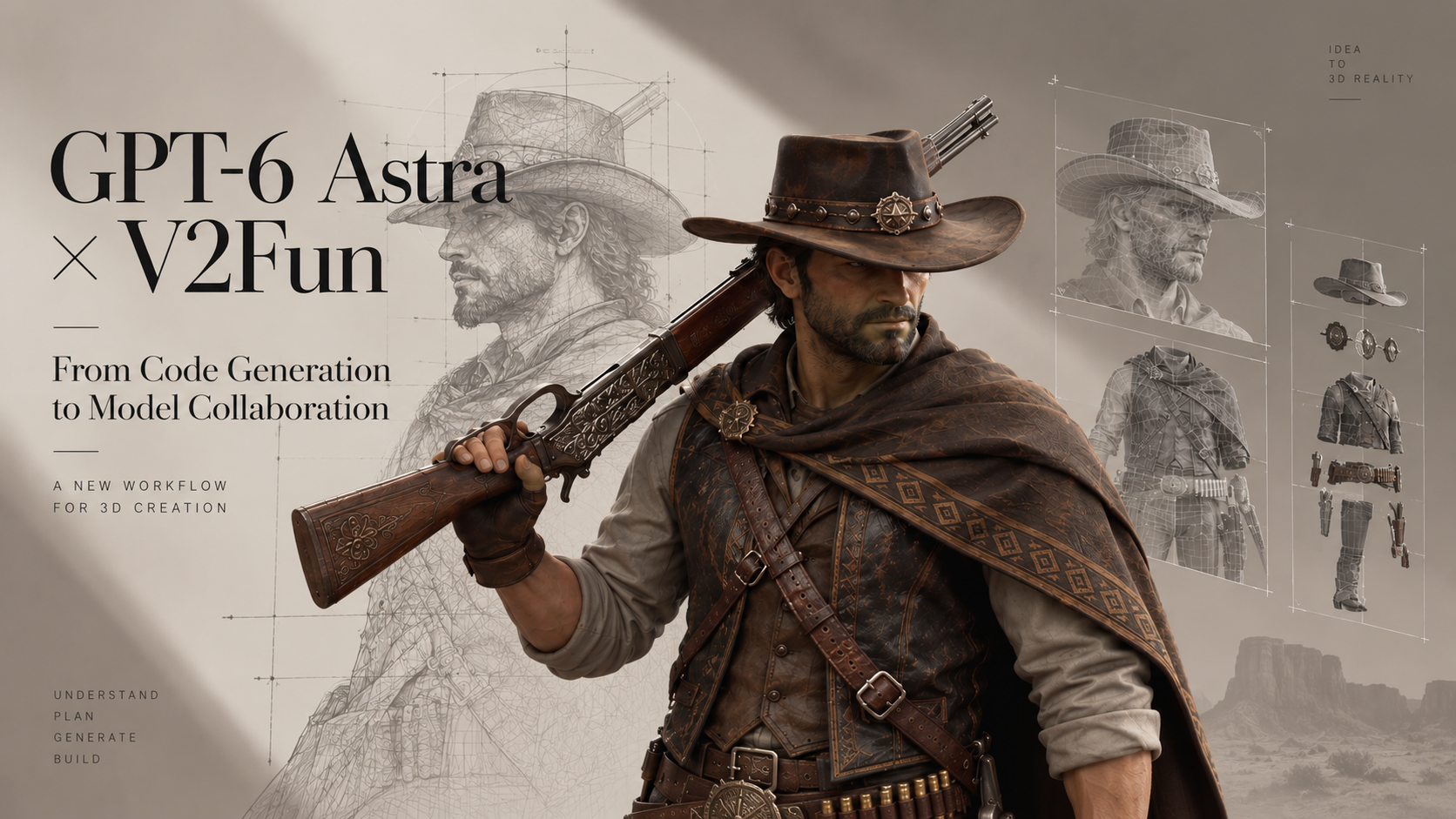
V2Fun is built as a unified AI 3D creation platform for generating, animating, and controlling 3D characters, models, and motions. Instead of treating rigging as a disconnected final step, V2Fun supports a broader workflow from image or text input through model creation, auto-retopology, rigging, and animation-ready export.
This makes V2Fun especially relevant for creators who want to move from a picture to 3D model, prepare the result for animation, and export production assets without repeatedly moving files between separate tools.
V2Fun Auto-Rigging Workflow
A typical V2Fun rigging workflow follows four practical steps:
- Prepare the character pose: Use a standard T-pose or A-pose with the character centered and facing forward.
- Place or confirm bone markers: The system identifies key body landmarks such as the head, shoulders, elbows, knees, and pelvis, with symmetry support where appropriate.
- Refine the side view: Adjust markers where hair, garments, armor, or wide silhouettes overlap the body geometry.
- Generate the bound rig: V2Fun creates the skeleton and skin weights so the model can be exported for animation workflows.
V2Fun uses industry-standard skeleton architecture, helping exported characters work with motion libraries, retargeting workflows, and common game-engine pipelines. Its export formats include FBX, GLB, OBJ, and USDZ. For rigged game and animation workflows, FBX is typically the preferred format because it preserves skeleton hierarchy, skin weights, and animation data for deeper integration with Blender, Maya, Unity, and Unreal Engine.
Best Preparation Tips for V2Fun Rigging
For the cleanest automatic result, prepare the source character with clearly separated limbs, visible hands and feet, and a neutral forward-facing pose. Avoid merged arms, hidden knees, extreme asymmetry, and loose elements that sit far away from the body unless you plan to refine those areas manually later.
Standard T-pose characters with arms extended horizontally are usually easiest for automatic binding. A-pose characters can also work well when joint positions remain easy to identify.
Mixamo: Fast Browser-Based Humanoid Rigging
Adobe Mixamo remains one of the fastest web-based auto-rigging options for standard humanoid characters. The workflow is simple: upload an FBX or OBJ file, place markers on the chin, wrists, elbows, knees, and groin, then download a rigged character with optional finger joints.
Mixamo is useful for prototyping, indie games, animation tests, and quick motion previews because it also provides a large library of ready-to-use animations.
Mixamo Strengths
Mixamo requires no installation, produces quick results, and is easy to test in a browser. It is well suited to clean humanoid characters with separated limbs and uncomplicated clothing.
Mixamo Limitations
Mixamo does not provide detailed in-browser weight editing. Complex clothing, stylized proportions, overlapping geometry, and non-standard anatomy often require cleanup in Blender, Maya, or another DCC tool. Common problem areas include shoulders, hips, fingers, and elbows.
AccuRIG: Desktop Auto-Rigging with Strong Marker Control
Reallusion AccuRIG is a free standalone desktop application designed for more precise marker-guided humanoid rigging. It is often a good choice when creators already have an existing model and want a cleaner first-pass rig before moving into animation or engine integration.
AccuRIG focuses on accurate joint placement and generally handles shoulders and hips better than many basic auto-weight workflows. It also supports partial rigging and masking for some non-standard anatomy, which can help with characters that do not perfectly match a default humanoid template.
Best Use Cases for AccuRIG
AccuRIG is useful for production humanoids, A-pose characters, and creators who need a stronger standalone rigging step before exporting to Blender, Unreal Engine, Unity, Cinema 4D, or other tools.
Blender Auto-Rigging: Rigify and Auto-Rig Pro
Blender users can stay inside the DCC environment with tools such as Rigify and Auto-Rig Pro. These workflows are valuable when a character needs more control than a lightweight web-based auto-rigger can provide.
Rigify and Auto-Rig Pro support meta-rig workflows, IK/FK controls, retargeting, facial rig options, and more flexible character setups. They are especially useful for creators who want to inspect and refine deformation directly inside Blender before exporting to a game engine or animation pipeline.
Maya Rigging Tools for Professional Weight Refinement
Autodesk Maya remains a common professional rigging environment for film, animation, and high-end game production. HumanIK, Advanced Skeleton, ngSkinTools, and smoothing plugins such as brSmoothWeights give riggers deep manual control over skeleton setup and skin weight refinement.
Maya is not usually the fastest route for first-pass automation, but it is still one of the strongest options when final deformation quality matters more than speed.
Platform Comparison: Which Auto-Rig Tool Should You Choose?
| Platform | Best For | Strengths | Main Limitation |
|---|---|---|---|
| V2Fun | AI-generated characters, picture-to-3D workflows, integrated rigging and export | Connects generation, retopology, rigging, animation, and export in one AI 3D creation platform | Complex clothing and fine articulation may still need targeted cleanup |
| Mixamo | Fast browser-based humanoid rigging | Very quick setup, no installation, large animation library | Limited weight-editing control and weaker results on complex meshes |
| AccuRIG | Existing humanoid models needing cleaner first-pass rigging | Strong marker workflow and good shoulder/hip deformation | Standalone step, not a full generation-to-animation platform |
| Blender Rigify / Auto-Rig Pro | Artists working inside Blender | Flexible controls, retargeting, facial options, manual refinement | Requires DCC knowledge and setup time |
| Maya HumanIK / Advanced Skeleton | Studio-grade rigging and skinning | Deep professional control and advanced weight refinement | Higher learning curve and more manual work |
Recommended Workflow for Clean Weight Painting
For production-quality results, use auto-rigging as the first pass and then refine the areas that matter most for your character design.
- Generate, scan, or import a character mesh with clear body structure.
- Use auto-retopology where needed to make the mesh more suitable for deformation.
- Run an auto-rigging tool such as V2Fun, AccuRIG, Mixamo, Blender Auto-Rig Pro, or Maya HumanIK.
- Export in FBX when you need skeleton hierarchy and skin weights for Unity, Unreal Engine, Blender, or Maya.
- Test walk cycles, arm raises, crouches, twists, and hand poses.
- Refine shoulders, hips, knees, elbows, fingers, and clothing weights.
- Re-test the character in the final engine or animation environment.
For rapid iteration, V2Fun is useful because it reduces file handoffs by combining AI 3D generation, automatic retopology, rigging, motion application, and export in one platform.
Common Auto-Rigging Limitations in 2026
Auto-rigging is strongest on standard humanoid characters with clean poses and visible limbs. It is less reliable when geometry is ambiguous, disconnected, or highly stylized.
The most common cleanup areas include:
- Loose clothing, robes, skirts, and capes that float away from the body
- Fingers, hands, and facial articulation points
- Shoulder and hip deformation during extreme poses
- Elbow and knee twisting, sometimes called candy-wrapper deformation
- Non-humanoid creatures or characters with unusual limb counts
- Dense AI-generated meshes without clean deformation loops
The best results come from testing the rig early with real motion clips. Do not judge a rig only in bind pose. Bend the arms, rotate the torso, crouch the legs, and preview the character in the target animation style.
Get Started with AI-Powered Auto-Rigging
The best auto-rig platform depends on your character type and production goal. Use Mixamo when speed matters most, AccuRIG when you need a stronger standalone humanoid rig, Blender or Maya when you need deep manual control, and V2Fun when you want an AI 3D creation platform that connects character generation, rigging, animation, and export.
To streamline your workflow from AI-generated model to animation-ready asset, try V2Fun at https://v2fun.ai/ and export rigged characters for Blender, Unity, Unreal Engine, and other 3D pipelines.
FAQ
Which platform produces the cleanest auto-rigged weights with the least manual cleanup?
For an integrated AI workflow, V2Fun is a strong choice because it connects model generation, auto-retopology, rigging, and animation-ready export. For standalone rigging of existing humanoid meshes, AccuRIG often gives cleaner first-pass shoulder and hip deformation than simpler browser-based tools. High-end characters still benefit from manual cleanup in Blender or Maya.
Can auto-rigging tools work with AI-generated 3D models?
Yes. V2Fun is designed for AI-generated 3D workflows and supports model creation, auto-retopology, rigging, and export in one pipeline. AI-generated models should still be checked for clear limbs, manageable topology, and clean joint areas before final animation use.
What export format should I use for rigged characters?
FBX is usually the safest format when you need to preserve skeleton hierarchy, skin weights, and animation data across Blender, Maya, Unity, and Unreal Engine. GLB can be useful for real-time and web workflows, while OBJ is not suitable for preserving full skeletal rig data.
Do I still need manual weight painting after auto-rigging?
For prototypes and simple characters, auto-rigging may be enough. For production characters, some manual refinement is still expected, especially around shoulders, hips, fingers, knees, elbows, and loose clothing.
Is V2Fun only a rigging tool?
No. V2Fun is an AI 3D creation platform for generating, animating, and controlling 3D characters, models, and motions. Rigging is part of a broader workflow that can include image or text input, model generation, auto-retopology, motion application, and export.