 01:05
Text-to-3DImage GenerationModel Export
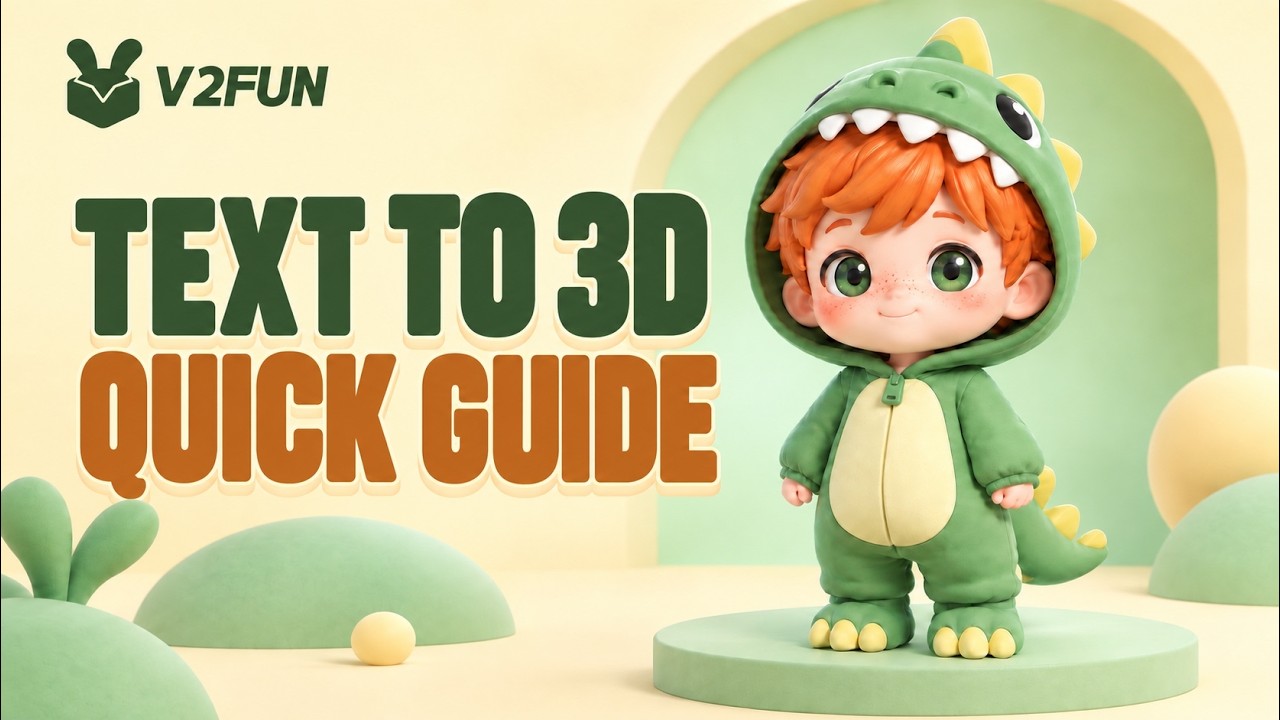
TEXT TO 3D QUICK GUIDE

How do you turn a text prompt into concept art that is ready for a 3D workflow? This V2Fun text-to-image tutorial walks through the complete process - from writing your first prompt to sending the finished image directly into Image-to-3D.
Start by entering your idea in the prompt box. Enable Prompt Refine to enhance the prompt with clearer 3D semantics, then choose a Base Mode, such as GPT Image2 or a Nano Banana series option, and select the aspect ratio that fits your concept.
Once the image is generated, refine the output for the next stage:
Use T-pose for characters intended for rigging and animation
Use Image-to-Image to combine reference images with prompts and preserve the desired structure
Use Multi-view Generation to create aligned orthographic views and reduce blind spots during 3D modeling
Send the selected image to Image-to-3D with one click
Your generated images are saved automatically in V2Fun, so you can continue the workflow without downloading and re-uploading files.
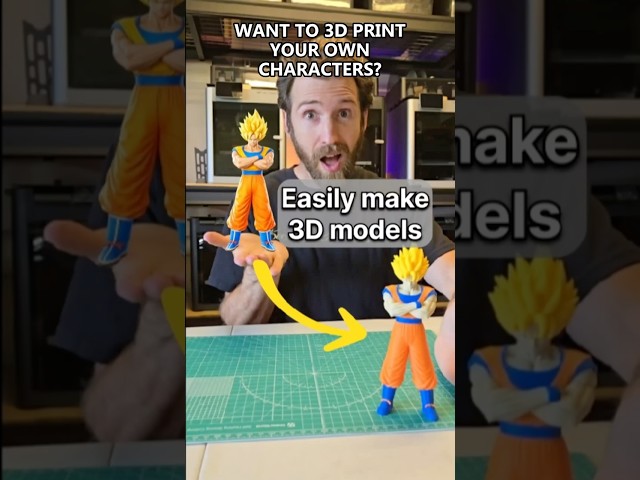
Follow this quick guide to move from text prompt to concept art, multi-view references, and a 3D model in one connected workspace.
01:05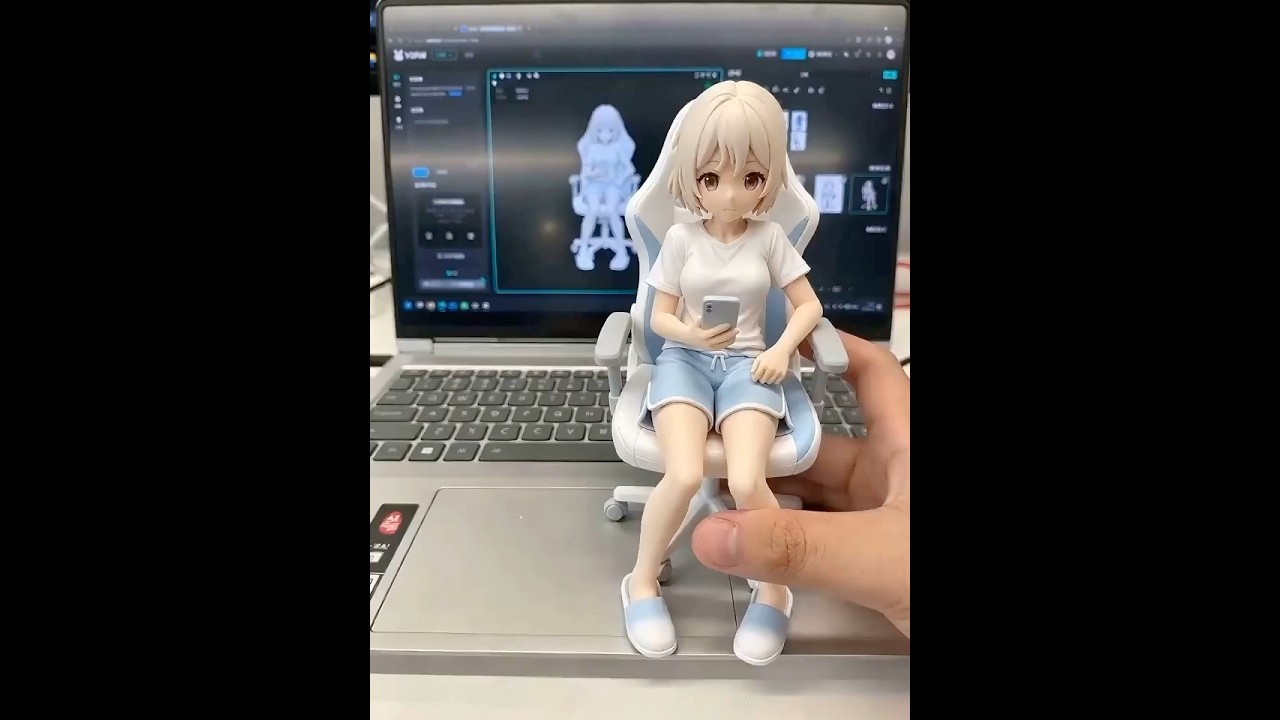 00:40
 00:45
Unlock unlimited 3D creative inspirations