 01:45
Model ExportImage-to-3DAI 3D Model Generation
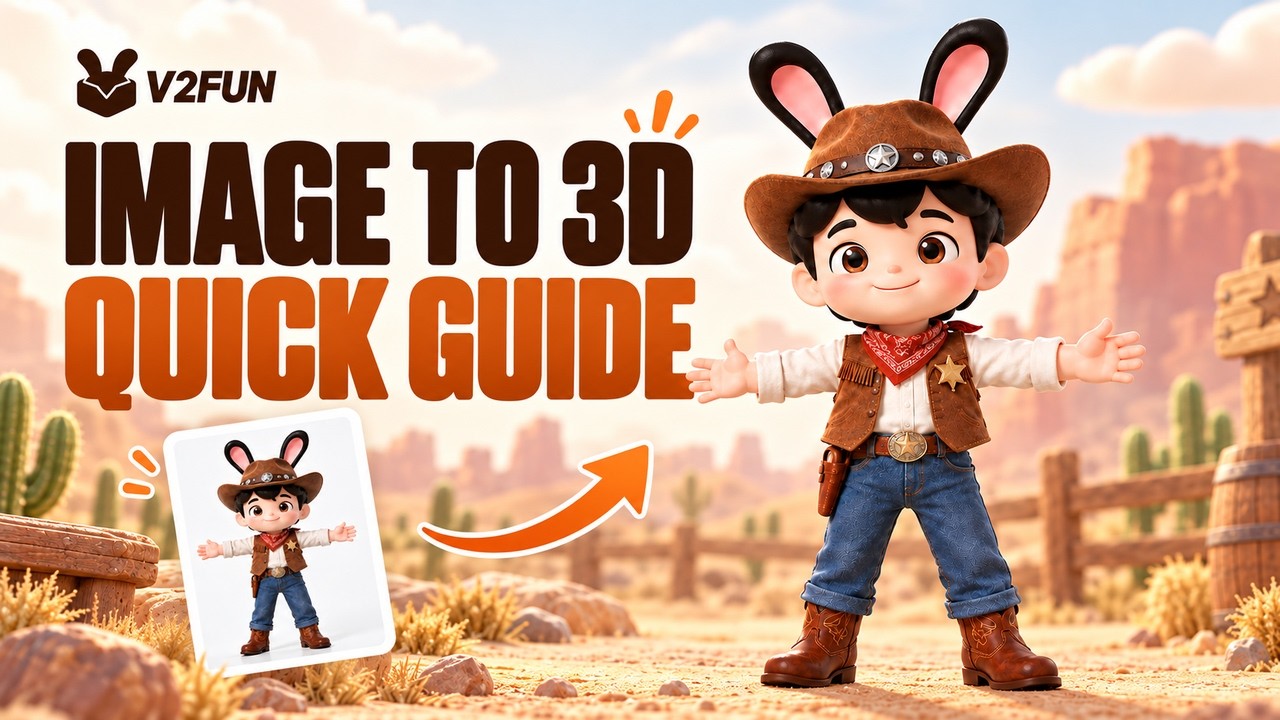
Image to 3D Quick Guide

#3dprinting #3dart #3dmodeling
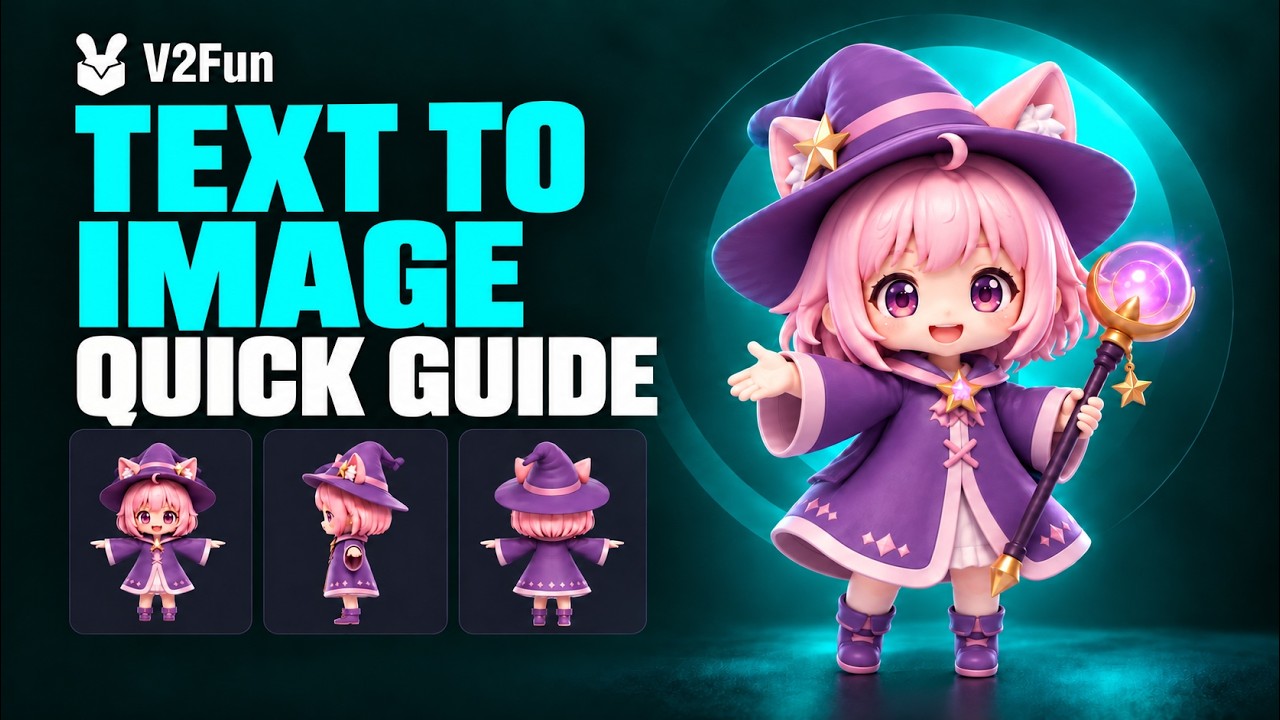
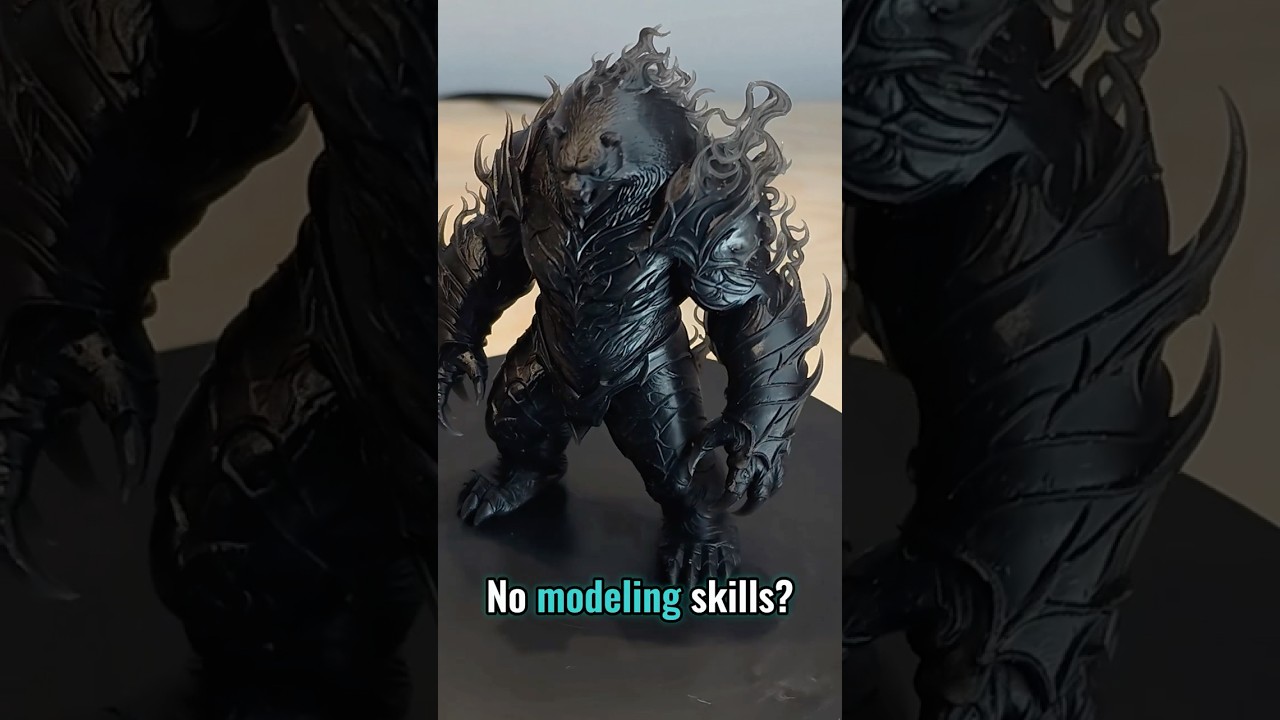
How do you create a 3D model from a text prompt? This V2Fun text-to-3D quick guide walks through prompt refinement, texture settings, 360° preview, and model export.
Click Generate Now on the V2Fun homepage to open your workspace.
Type your idea, then use Prompt Refine to expand the description with details suited to 3D generation.
Turn on Generate Texture if you want a colored model. For finer surface detail, enable 8K Textures.
Click Generate and inspect the result with the 360° model preview.
Open Download Settings and choose the format for your next step: FBX or GLB for 3D workflows, USDZ for AR, or STL and 3MF for 3D printing.
If you’re new to AI 3D modeling, this tutorial answers a common question: How can I turn a text description into a usable 3D model? Follow along and try your first text-to-3D creation with V2Fun.
What would you generate first? Share your idea in the comments.
#v2fun #textto3d #3dmodeling #3dworkflow #3dart #3dprinting #aicreators
Buka kunci inspirasi kreatif 3D tanpa had